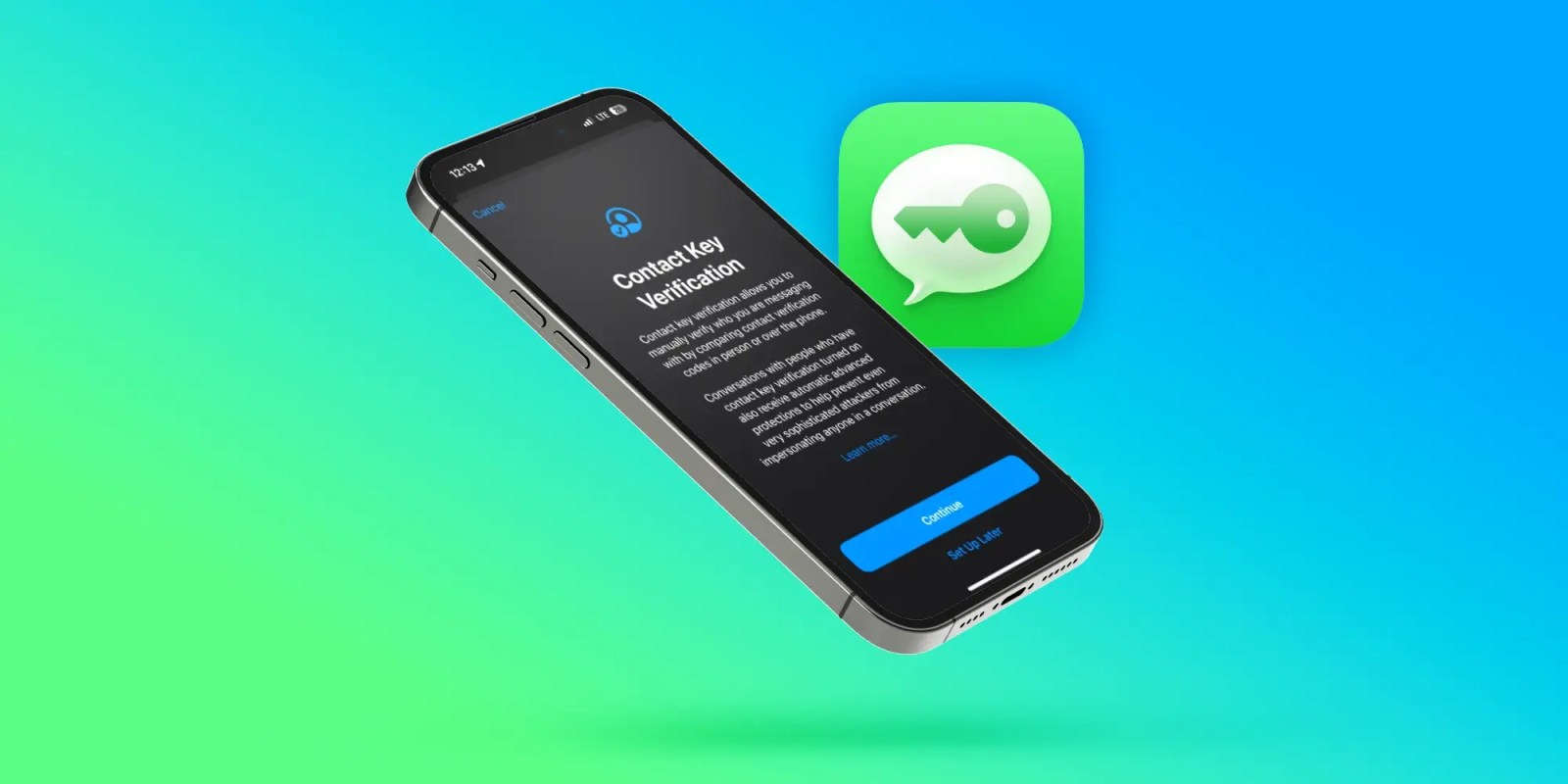
iOS includes an iMessage security feature called Contact Key Verification (CKV) that gives users more certainty they’re messaging with the people they think they are. Follow along for what this feature is, how it works, and how to turn on Contact Key Verification on for iMessage.
Skip below for how to turn CKV on
When enabled, the opt-in Contact Key Verification gives automatic alerts if the iMessage key distribution services return device keys that have not been verified (e.g. if an unrecognized device has been added to an iMessage account).
And even more security is available by using CKV in person, on FaceTime, or via another secure method. You can read more on the details of how CKV works in our full coverage here.
Apple has not seen an attack like this – which would be quite advanced – but CKV means Apple is staying a step ahead of hackers and giving users more peace of mind.
Even though a very small percentage of iPhone users may need security of this level, the neat part is turning it on doesn’t reduce the functionality of your iPhone or iMessage – so it could end up being more widely used than something like Lockdown Mode.
Important: All devices signed into your iCloud account need to be running iOS 17.2, macOS 14.2, or watchOS 10.2 or later before enabling this (or you can sign out of iMessage on those devices that you don’t want to enable the feature).
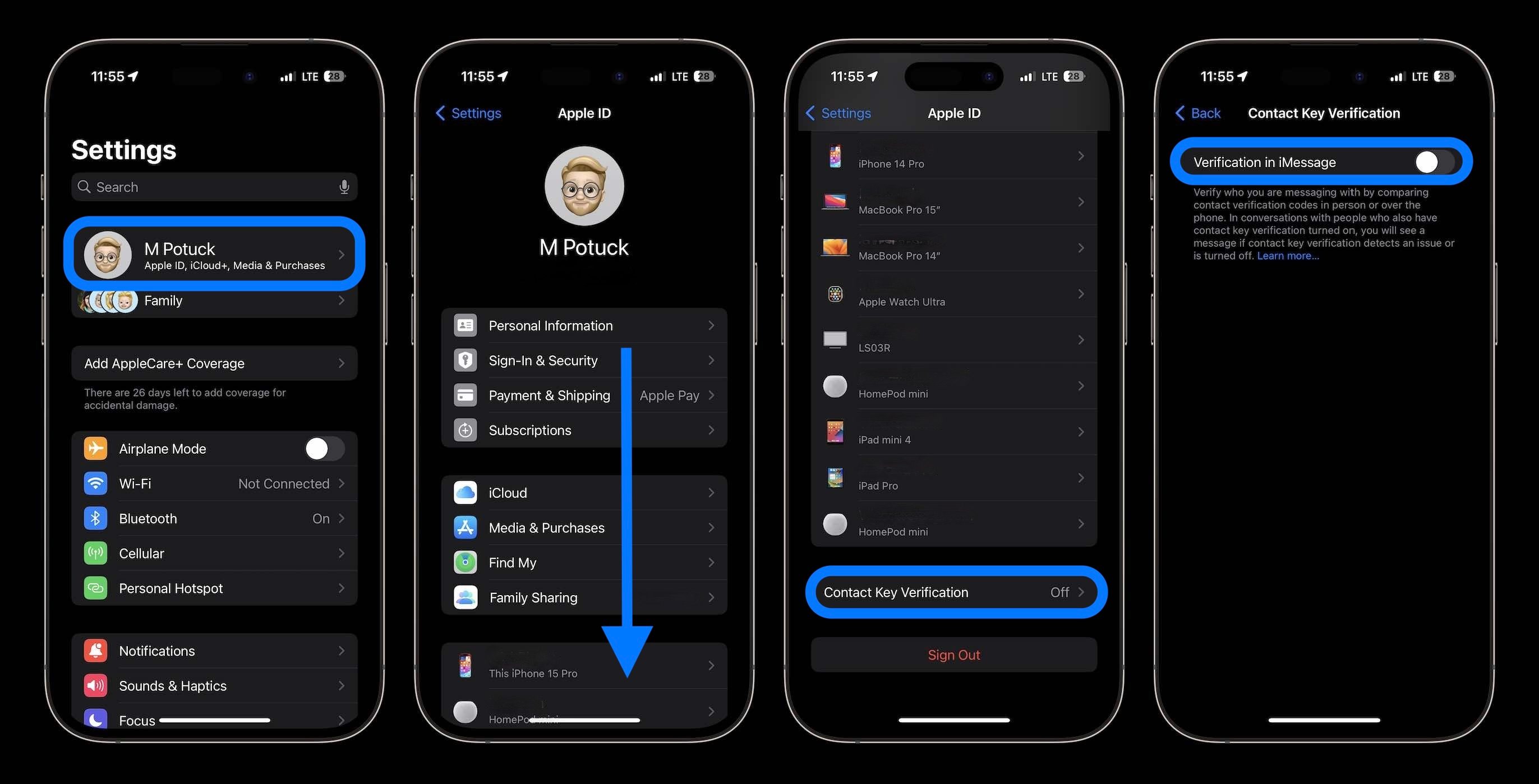
- Running iOS 17.2 or later, open Settings on your iPhone
- At the top, tap your name
- Swipe to the very bottom
- Choose Contact Key Verification
- Tap the toggle next to Verification in iMessage
- Follow the prompts to enable Contact Key Verification
Here’s how the process looks on iPhone:
What do you think about this iMessage security feature? Does this sound like something you’ll turn on? Share your thoughts in the comments!
More 9to5Mac tutorials:
FTC: We use income earning auto affiliate links. More.