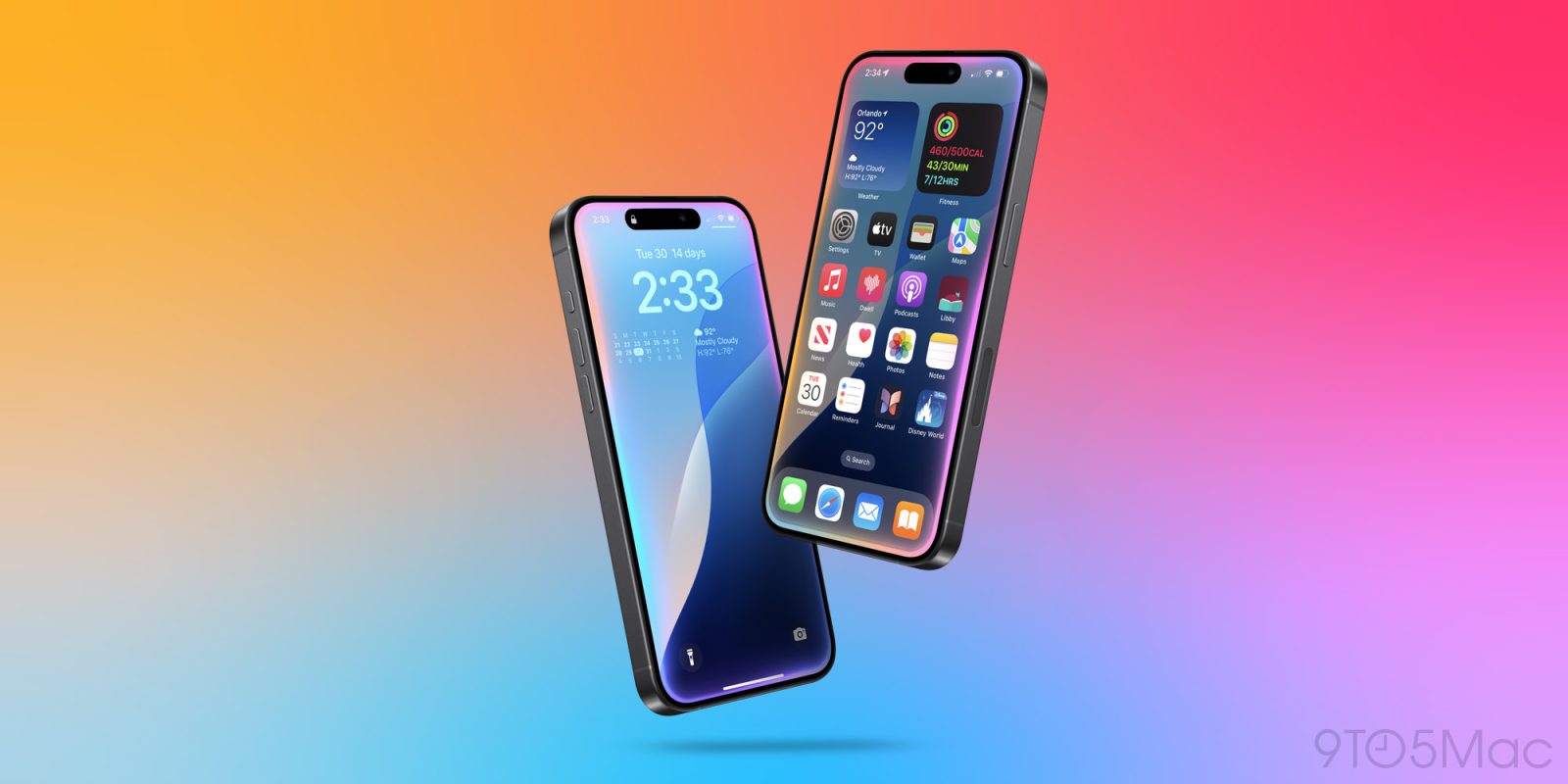
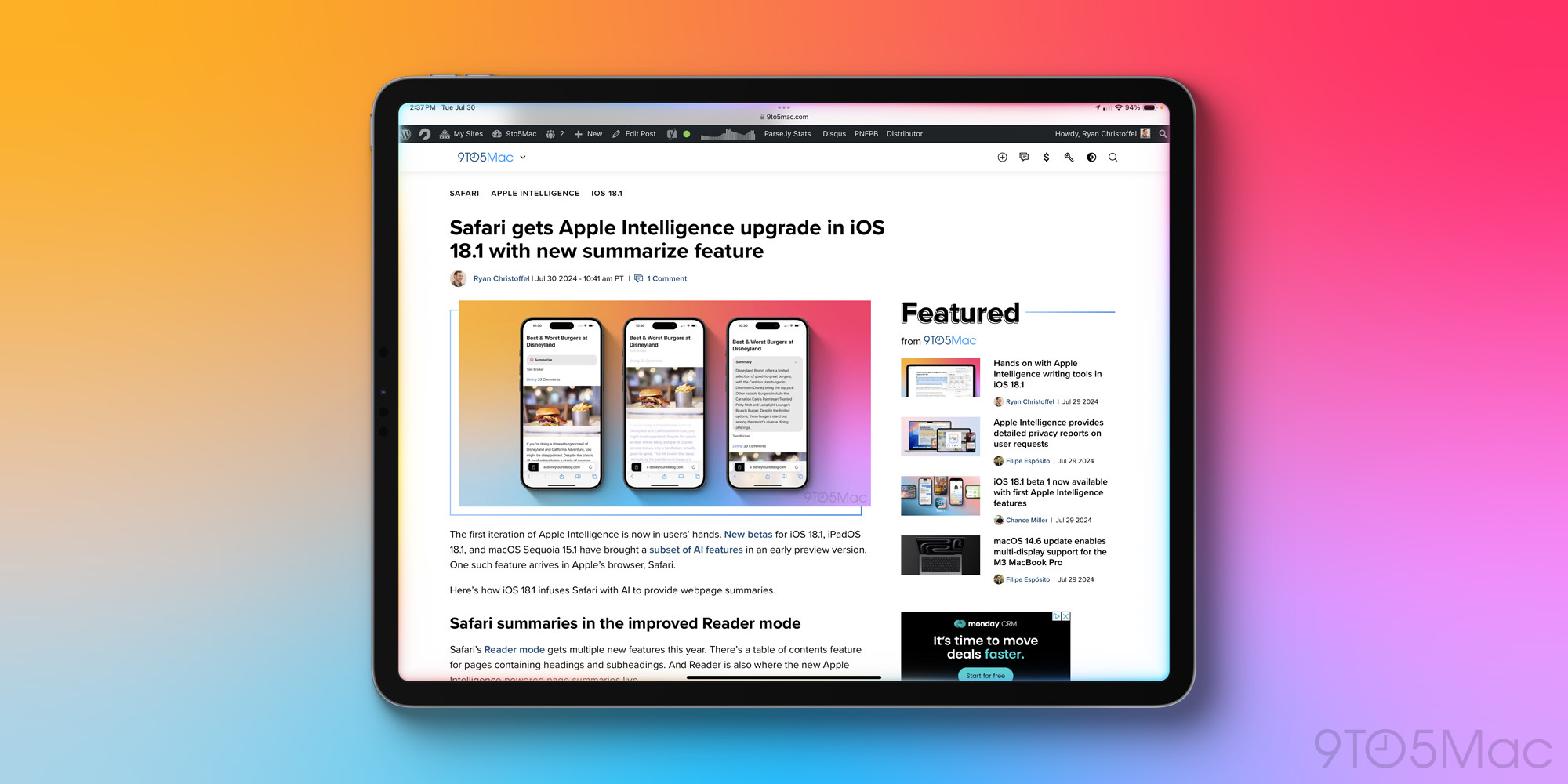
The start of ‘a new era for Siri’ has arrived in iOS 18.1 beta 1. The new beta provides the first hands-on experience with an Apple Intelligence-infused Siri.
Here’s what the new Siri can do and what it’s like to use it.
New design
Siri in iOS 18.1 is visualized with a beautiful new design.
Gone is the floating orb at the bottom of the screen. Now, Siri appears as a glowing light around the entire display.
When you use the iPhone’s side button to invoke Siri, there’s a powerful kick of haptic feedback and the Siri light emanates from the part of the screen where that button is located. It’s a lovely effect.
Siri’s glowing design is available on the iPhone and iPad, while on the Mac Siri takes on a more constrained look in the top-right corner.
Carrying context between queries

When using the new Siri, you’ll notice that it’s a lot better at maintaining context between requests.
For example, I asked what time the Cubs are playing. After Siri answered, as a follow up I said, “Who’s their pitcher?” With no additional context needed, Siri understood I was still speaking about the Cubs.
Similarly, I set a five-minute timer using Siri, then in a follow up said, “Actually, change it to three minutes.” The change happened immediately.
I still experienced context hiccups with some of my requests, but that’s to be expected in this early beta version of Apple Intelligence.
More forgiving when you misspeak
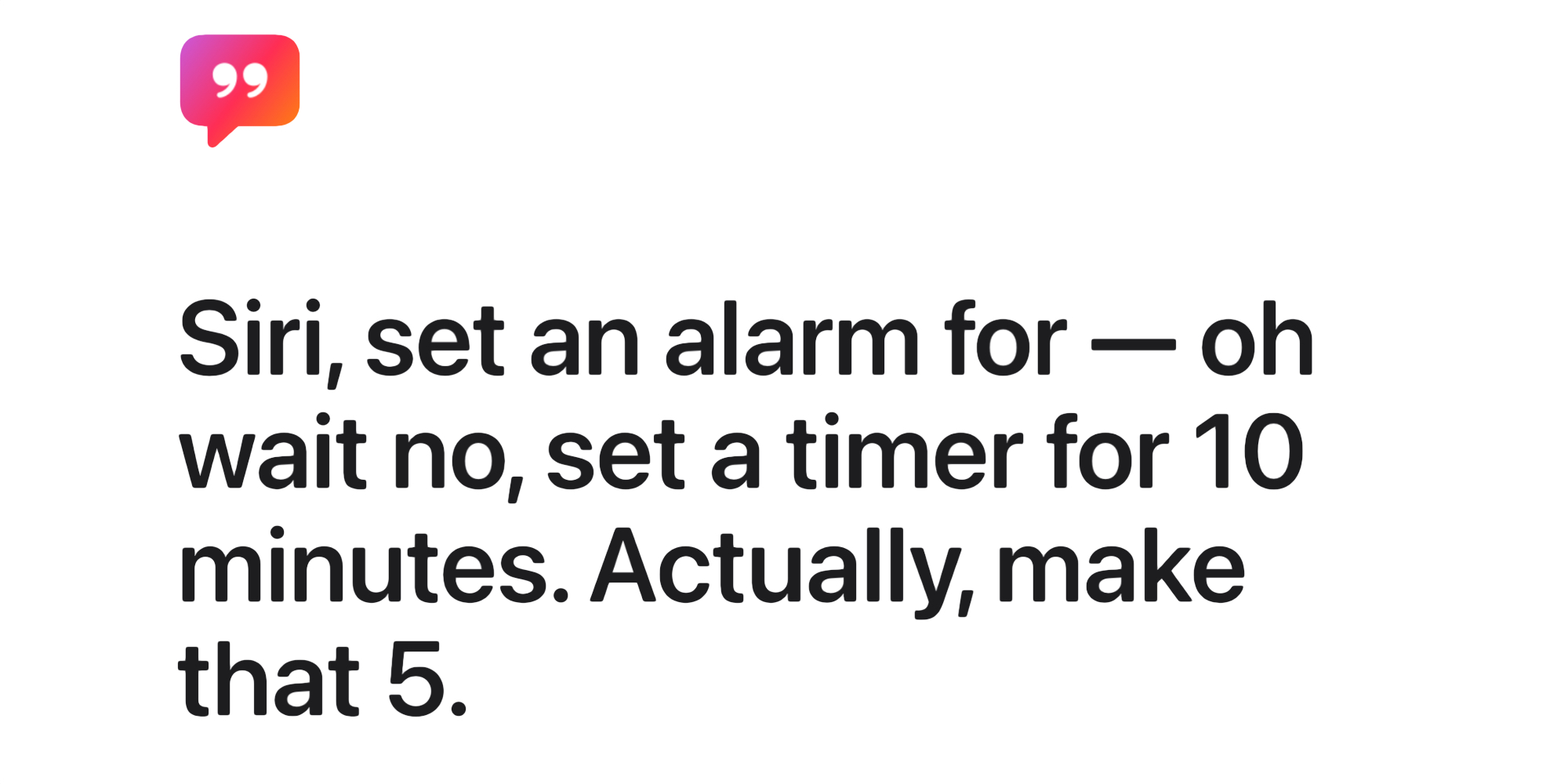
We’re all only human, and sometimes misspeak, or change our minds about something mid-request. Past versions of Siri were far less understanding of those foibles, and would quickly get confused.
Thanks to Apple Intelligence, the new Siri is better able to parse requests even when you stumble over your words.
Earlier today I said, “Siri, set a timer for five…ah, hmmm, actually, make that two minutes.” Siri didn’t skip a beat and instantly set the correct timer.
Type requests from within any app
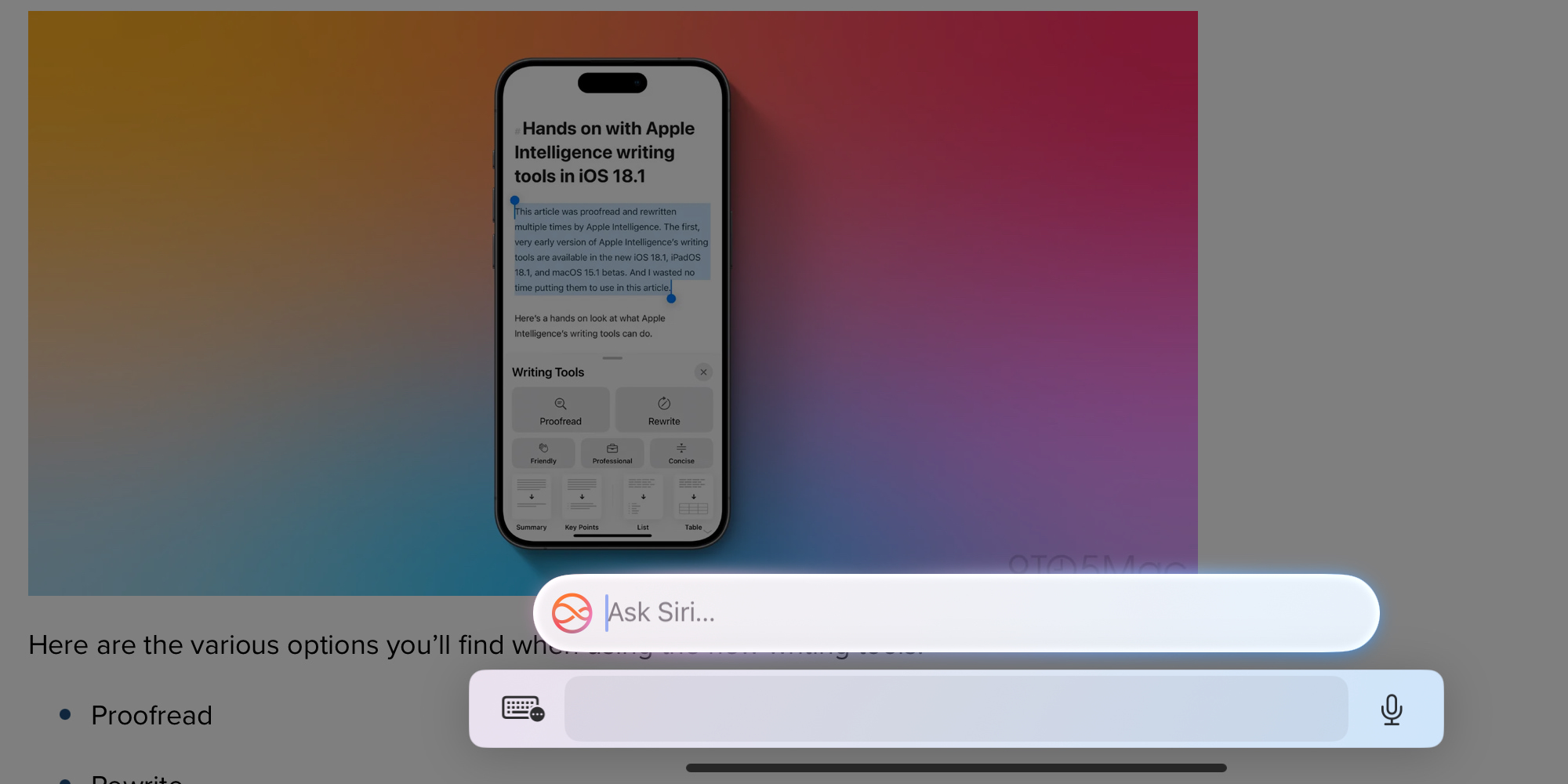
Most Siri interactions happen by voice, but a new iOS 18.1 feature is bound to encourage more typed requests too.
On the iPhone and iPad, a double-tap on the Home bar now invokes Siri in typing mode.
The Home bar is that horizontal line at the bottom of the screen.
Since the Home bar is present system-wide, no matter which app you’re using, you can quickly invoke Siri in any situation and quickly type your request.
On the Mac, you can switch between voice and typed requests manually.
Go-to source for Apple product knowledge
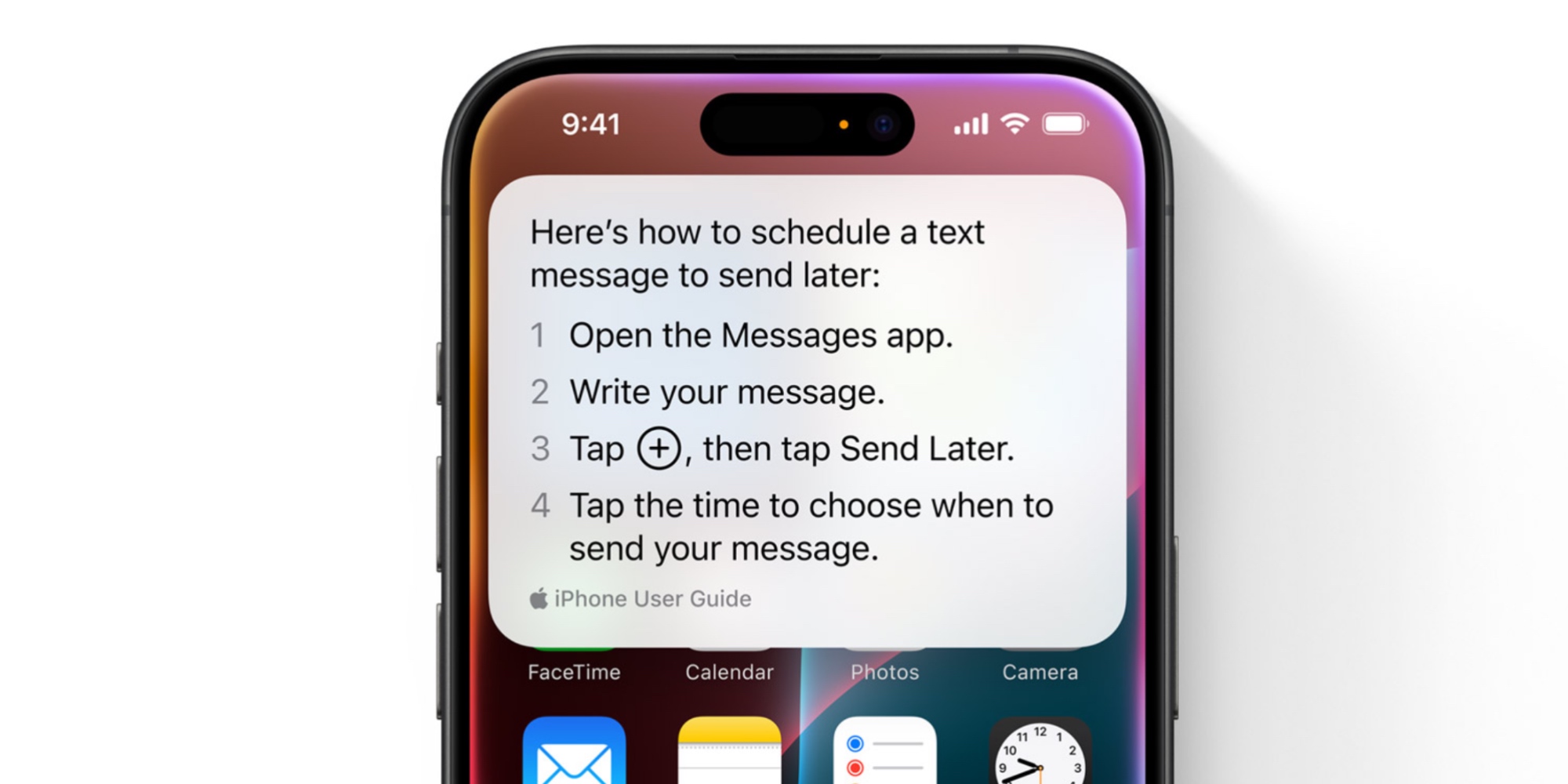
Lots of Siri’s new knowledge of apps and in-app actions won’t arrive until later. However, there is one specific area where Siri showcases a lot of new knowledge in iOS 18.1 beta 1.
Siri is now an expert on Apple products and software features.
Apple trained Siri on a model that included a host of Apple support documentation. As a result, the assistant can now advise you on all kinds of how-tos.
Wondering how to use a feature like Home Screen customization? Or steps for pairing an Apple Watch? Just ask Siri.
Thousands of questions are supported, and when it doesn’t know an answer, you’ll still get—you guessed it—web results.
What’s missing in iOS 18.1 beta 1
There’s plenty still to come in future iterations of Siri with Apple Intelligence. Later this year, and in updates that span into 2025, Siri will gain:
- ChatGPT integration
- Understanding of personal context to provide more capable assistance
- Numerous new in-app actions across Apple and third-party apps
- Awareness of content on your screen
Entering a new era for Siri
Apple says this is just the beginning for Siri, and from the product roadmap that it’s shared, that’s clearly true.
The new changes in iOS 18.1 beta 1 offer great improvement over some of Siri’s previous shortcomings. But there’s a lot more still to come.
Have you used the new Siri in iOS 18.1? What’s your favorite change? Let us know in the comments.
FTC: We use income earning auto affiliate links. More.