Did you just unwrap a new pair of AirPods Pro this holiday season? If so, there are a surprising number of AirPods Pro features to make sure you’re taking advantage of. Here are some of my recommendations for new users.
AirPods Pro fit test
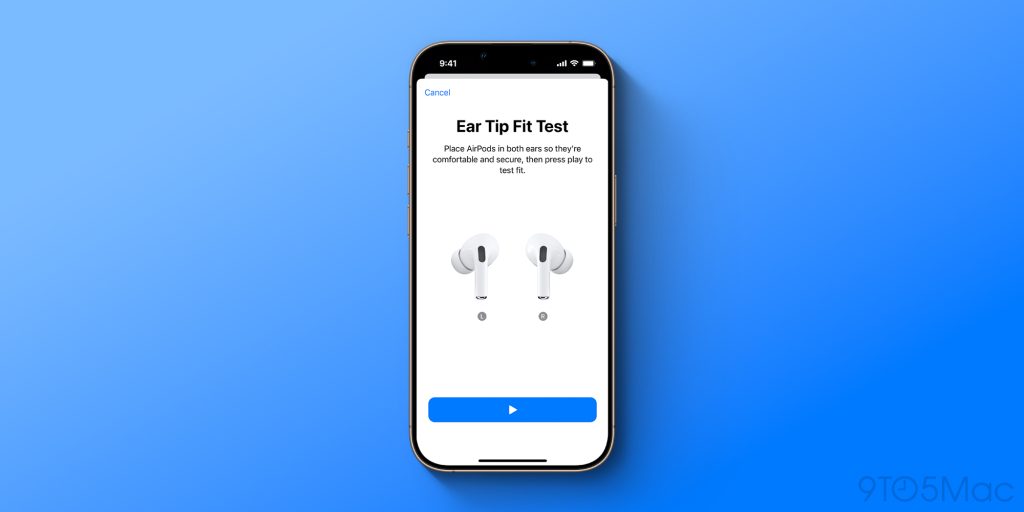
One thing you’ll want to do right away is make sure you’re getting the best fit possible while wearing your AirPods Pro. Luckily, there’s an easy way to do just that.
- With your AirPods Pro in your ears and connected, open the Settings app and tap their name at the top.
- Tap “Ear Tip Fit Test” in the menu and tap the play button.
Now, your AirPods Pro will run a test to determine if you’ve achieved the best fit possible and inform you if you should try one of the other ear tip sizes. AirPods Pro 2 come with four sizes of ear tips that you can easily swap between.
AirPods Pro listening modes
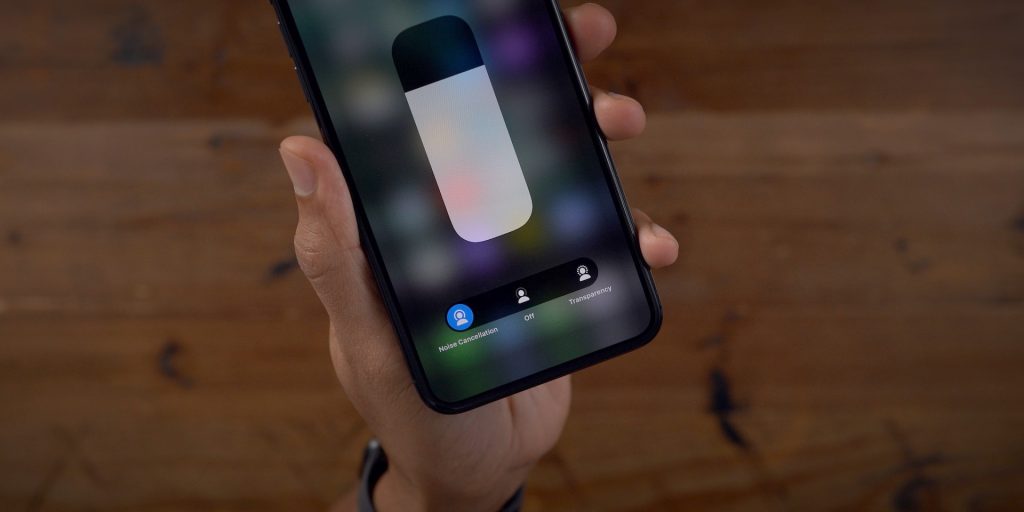
AirPods Pro offer multiple different listening modes, including Active Noise Cancellation and Transparency mode:
- Active Noise Cancellation: An outward-facing microphone or microphones detect external sounds, which your AirPods Pro then counter with anti-noise, canceling the external sounds before you hear them.
- Transparency mode: Your AirPods Pro let outside sound in, so you can hear what’s going on around you.
- Adaptive Audio: Adaptive mode blends Active Noise Cancellation and Transparency mode together to control the level of noise you hear in your headphones based on the changing noise conditions in your environment.
As of iOS 18, you can personalize Adaptive Audio to better fit your needs and “allow more or less noise. In the AirPods menu in the Settings app, you can move the slider left to allow for “Less Noise” when using Adaptive Audio or to the right to allow for “More Noise.”
Controls
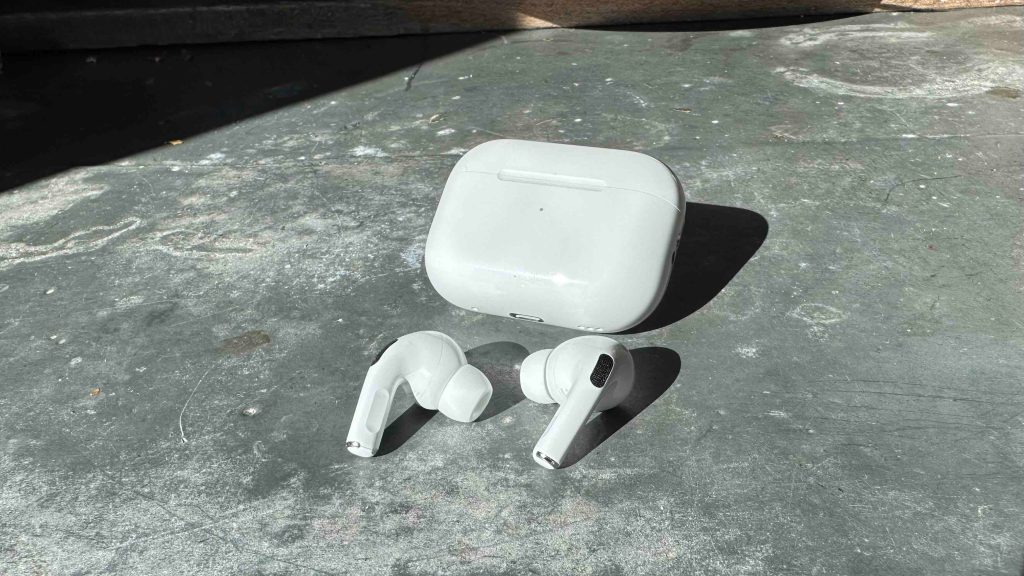
AirPods Pro 2 feature a touch-sensitive Force Sensor in their stems that let you perform common tasks without reaching for your iPhone. Here are the default controls:
- Play and pause audio: Press the stem. To resume playback, press it again.
- Play the next track: Double-press the stem.
- Play the previous track: Triple-press the stem.
- Answer a call: When you receive a call, press the stem.
- Adjust volume: Lightly swipe up or down on the stem.
You can customize what the force sensor does in the AirPods menu of the Settings app.
Find My integration
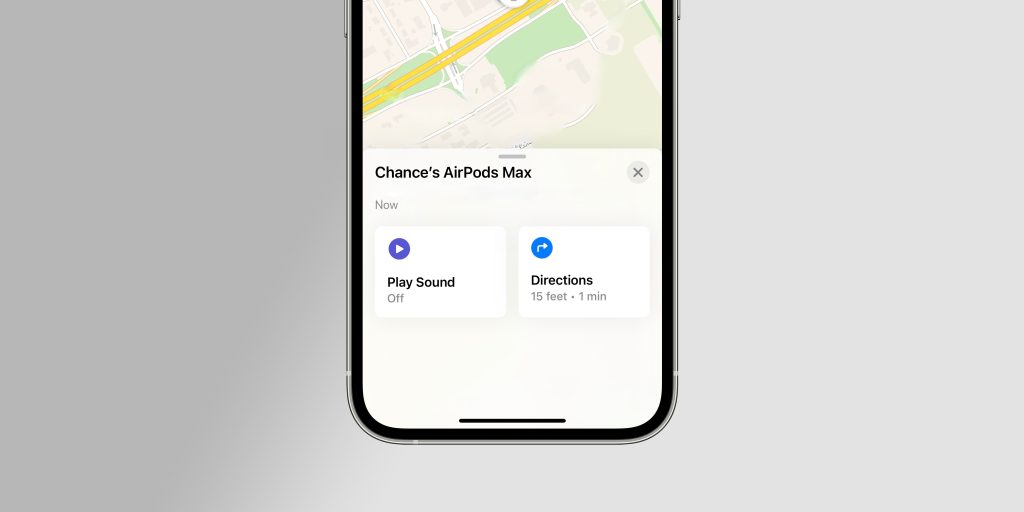
AirPods Pro also integrate with the Find My app on your iPhone. This means that if you ever misplace or lose your AirPods Pro, you can locate them on a map in the Find My and even make the case play a sound.
In the “Devices” section of the Find My app, you can locate your AirPods Pro, enable notifications if you lose them, and more.
Hearing Test and Hearing Aid
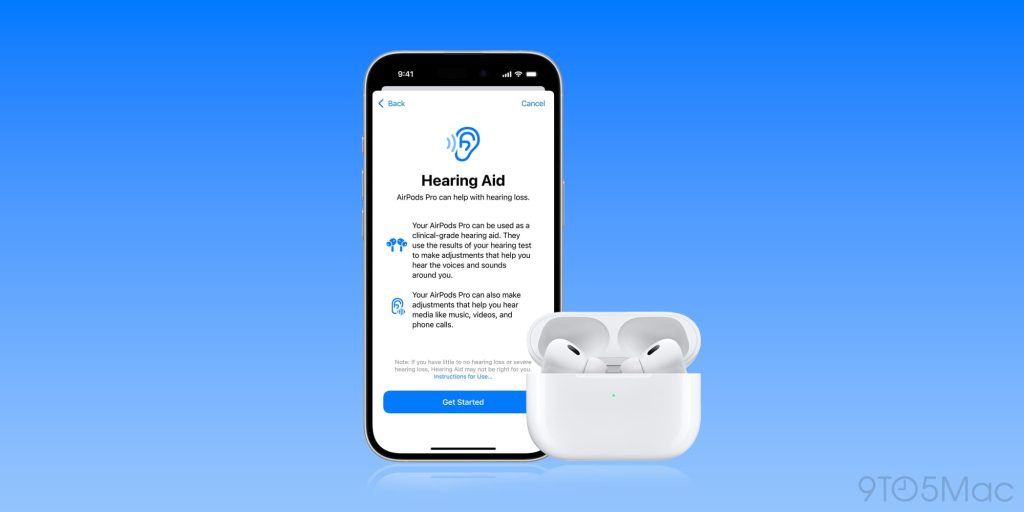
This year, Apple supercharged AirPods Pro 2 with new hearing health features. Now, you take a hearing test with your AirPods Pro to find out if you have hearing loss. You can then use AirPods Pro as a hearing aid if you have mild to moderate hearing loss.
Learn more:
AirPods Pro Head Gestures
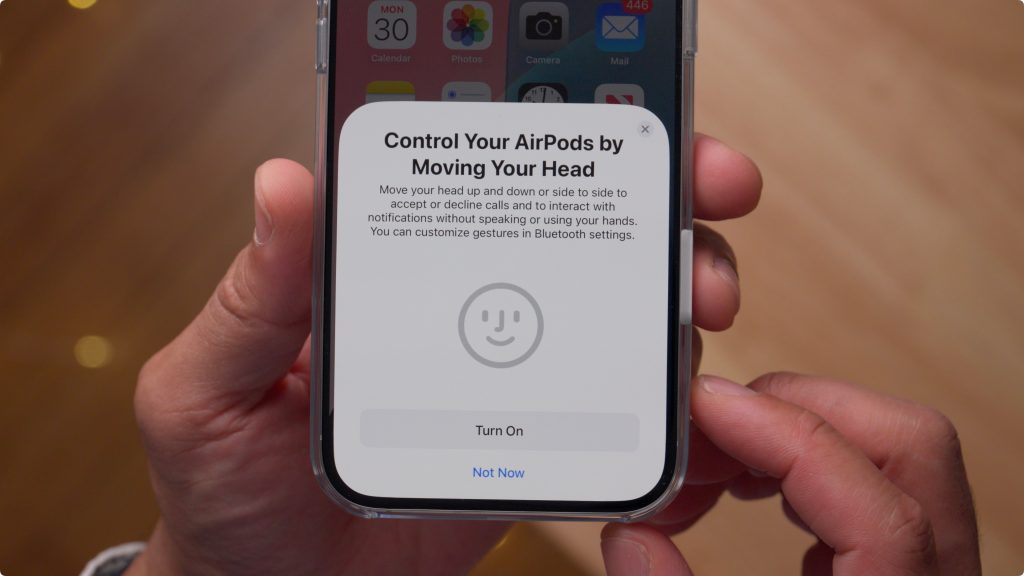
With iOS 18, AirPods Pro users can interact with Siri and incoming notifications by nodding their heads up or down.
- Accept a call or reply to notifications and messages: Nod your head up and down.
- Decline a call or dismiss notifications and messages: Shake your head side to side.
You can enable this feature in the Settings app by navigating to the AirPods menu and tapping “Head Gestures” in the list of features. You can choose which gesture is linked to “Accept, Reply” and “Decline, Dismiss.”
Voice Isolation
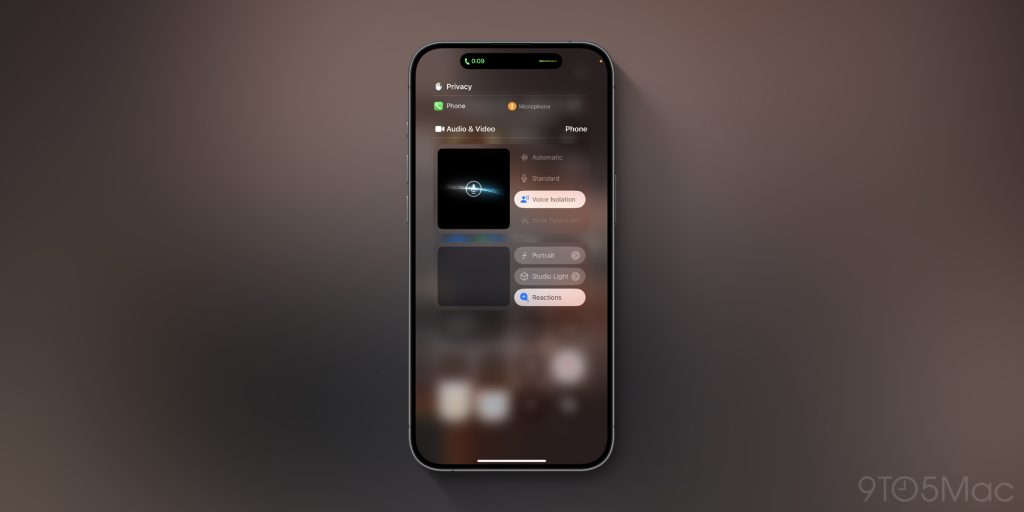
Voice Isolation is a new feature for AirPods Pro that helps ensure the caller’s voice is heard in loud or windy environments. Apple says this feature isolates and enhances voice quality while removing significant background noise for the listener.
- While on a call, swipe down from the top of your screen to access Control Center
- Tap the “Controls” button at the top of the interface
- Tap on “Voice Isolation”
Audio sharing
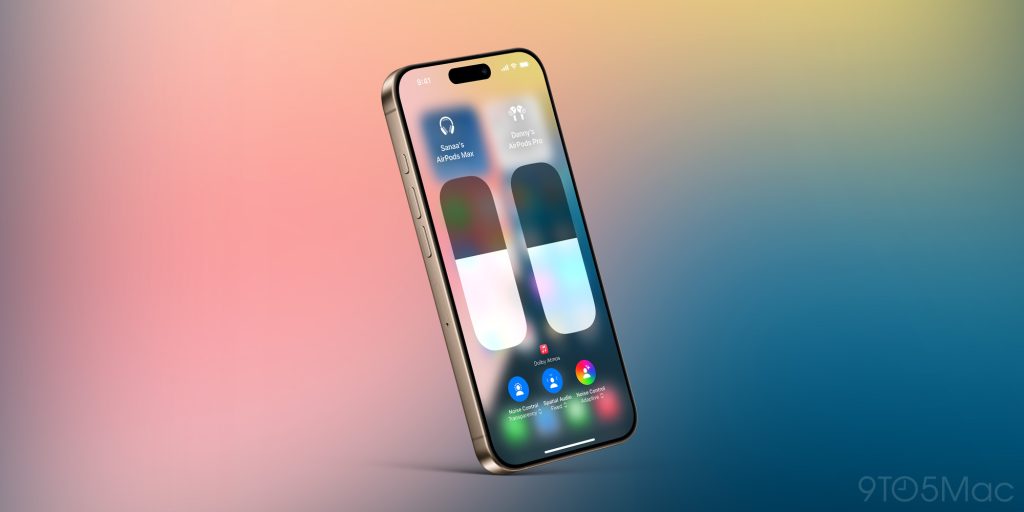
One of my favorite AirPods Pro features is audio sharing. This lets me share what I’m listening to with someone else wearing AirPods or Beats headphones.
You can activate audio sharing by tapping the AirPlay button in the Now Playing screen, the Lock Screen, or Control Center. Just tap the “Share Audio” button and bring the other person’s headphones close to yours, and you can seamlessly pair the two together.
Audio sharing works with all generations of AirPods, AirPods Pro, and AirPods Max. There’s also support for several different Beats products as well.
Best AirPods accessories
Finally, there are a number of ways to upgrade your AirPods Pro experience with accessories. Here are some of my favorites:
Follow Chance: Threads, Bluesky, Instagram, and Mastodon.
FTC: We use income earning auto affiliate links. More.