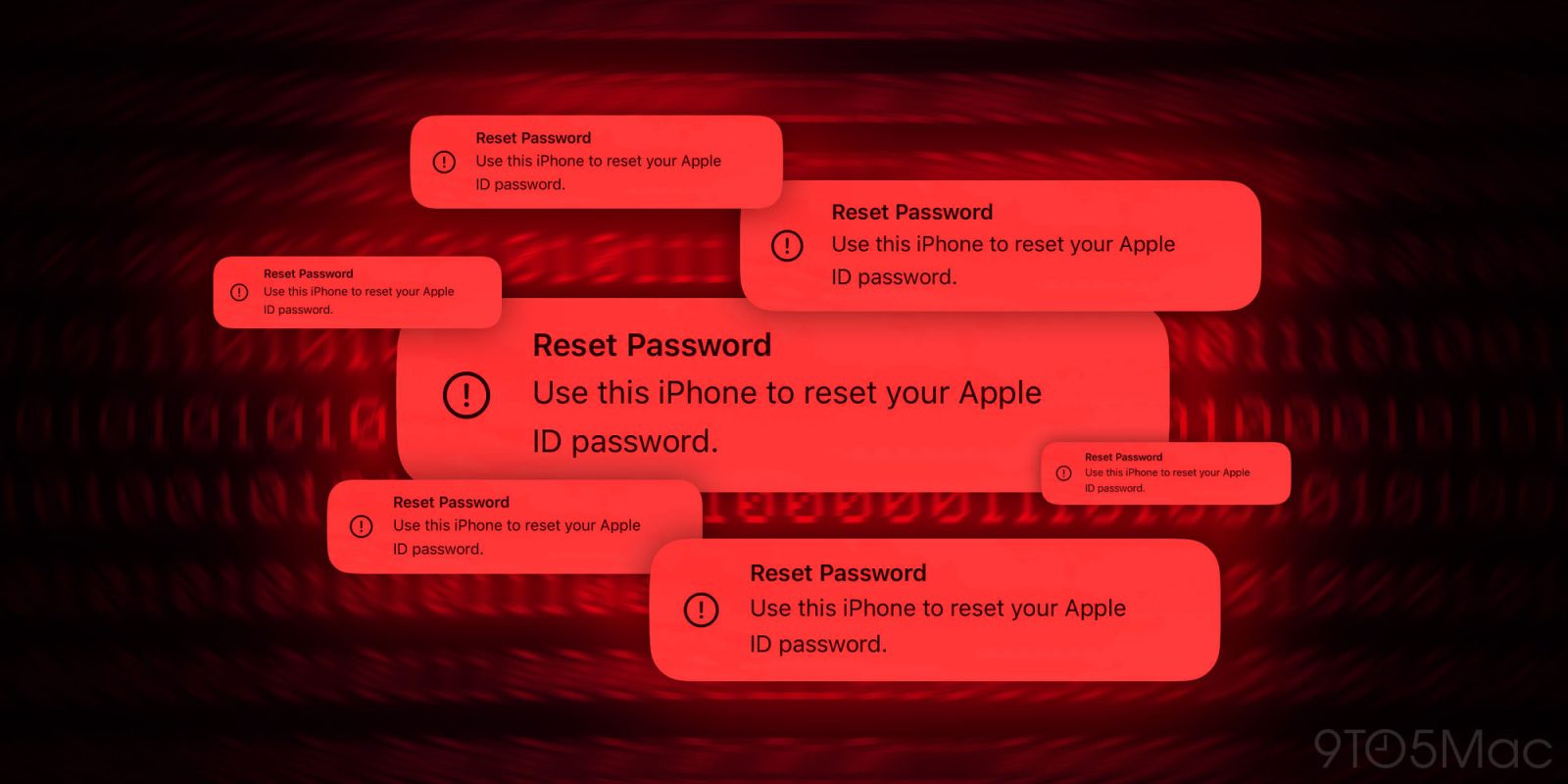
One of the latest attacks on iPhone sees malicious parties abuse the Apple ID password reset system to inundate users with iOS prompts to take over their accounts. Here’s how you can protect against iPhone password reset attacks (often called “MFA bombing”).
We’ve recently heard about Apple users being targeted with MFA bombing (also called MFA fatigue or push bombing). It’s not a new attack, but it can be a convincing scam as it pushes official iOS password reset prompts to victims.
As detailed by Krebs on Security (via Parth Patel), attackers abusing this vulnerability appear to be doing so through an Apple user’s phone number which can bomb your iPhone and other Apple devices with 100+ MFA (multi-factor authentication) system prompts to reset your Apple ID password.
Update 4/21/24: We haven’t seen more “bombing” cases of this attack since Apple pushed a fix at the end of March. However, a 9to5Mac teammate and I both saw the password attack this weekend on our Apple devices.
In my case, I got the password reset prompt on my iPhone and my Mac. Fortunately, it was just one prompt on each device so they were quick to decline. Stay vigilant and safe out there!
Update 3/28/24 2:40 pm PT: 9to5Mac has heard from an Apple spokesperson about this issue. The company knows about the few recent cases of these phishing attacks and Apple has taken action to solve the problem.
How to protect against iPhone password reset attacks
- Decline, decline, decline
- Because the reset password requests are a system-level alert, it feels convincing – but make sure to choose “Don’t Allow” for all of them
- One way attackers wear victims down is by bombing them with hundreds of prompts, sometimes over multiple days – keep choosing “Don’t Allow” and optionally use step 3 below
- Note: If you see a password reset prompt on the web that may be a different phishing scam, close the page as either button could lead to a malicious link
- Don’t answer phone calls – even if caller ID says “Apple Support” or similar
- Attackers are using call spoofing which can make the incoming number appear as the official Apple Support phone number and they may be able to verify personal information making the scam sound legitimate
- Next, they try to get a one-time passcode from you to take over your Apple account
- If in any doubt, decline the call – and call Apple back (800.275.2273 in the US) – call spoofing shouldn’t be able to intercept your outgoing call to the real Apple
- Apple highlights it will not make outbound calls “unless the customer requests to be contacted” and that you should never share one-time codes with anyone
- Temporarily change your phone number associated with your Apple ID
- If you continue to get the prompts, changing your phone number tied to your Apple ID should stop them
- However, keep in mind this will interfere with iMessage and FaceTime
More details

As noted in Krebs on Security’s article, it appears there is a rate limit problem with the Apple ID password reset system.
What sanely designed authentication system would send dozens of requests for a password change in the span of a few moments, when the first requests haven’t even been acted on by the user? Could this be the result of a bug in Apple’s systems?
Hopefully, Apple is working on a fix so malicious parties can’t abuse this system. But unfortunately, the password reset scam has been highlighted by users for at least two years (likely more).
One recent victim shared that a senior engineer at Apple advised him to turn on the Recovery Key feature for his Apple ID to stop the password reset notifications. However, in further testing, that was not the case, and Krebs on Security verified Apple Recovery Key does not prevent reset password prompts.
Related:
Images by 9to5Mac
FTC: We use income earning auto affiliate links. More.