

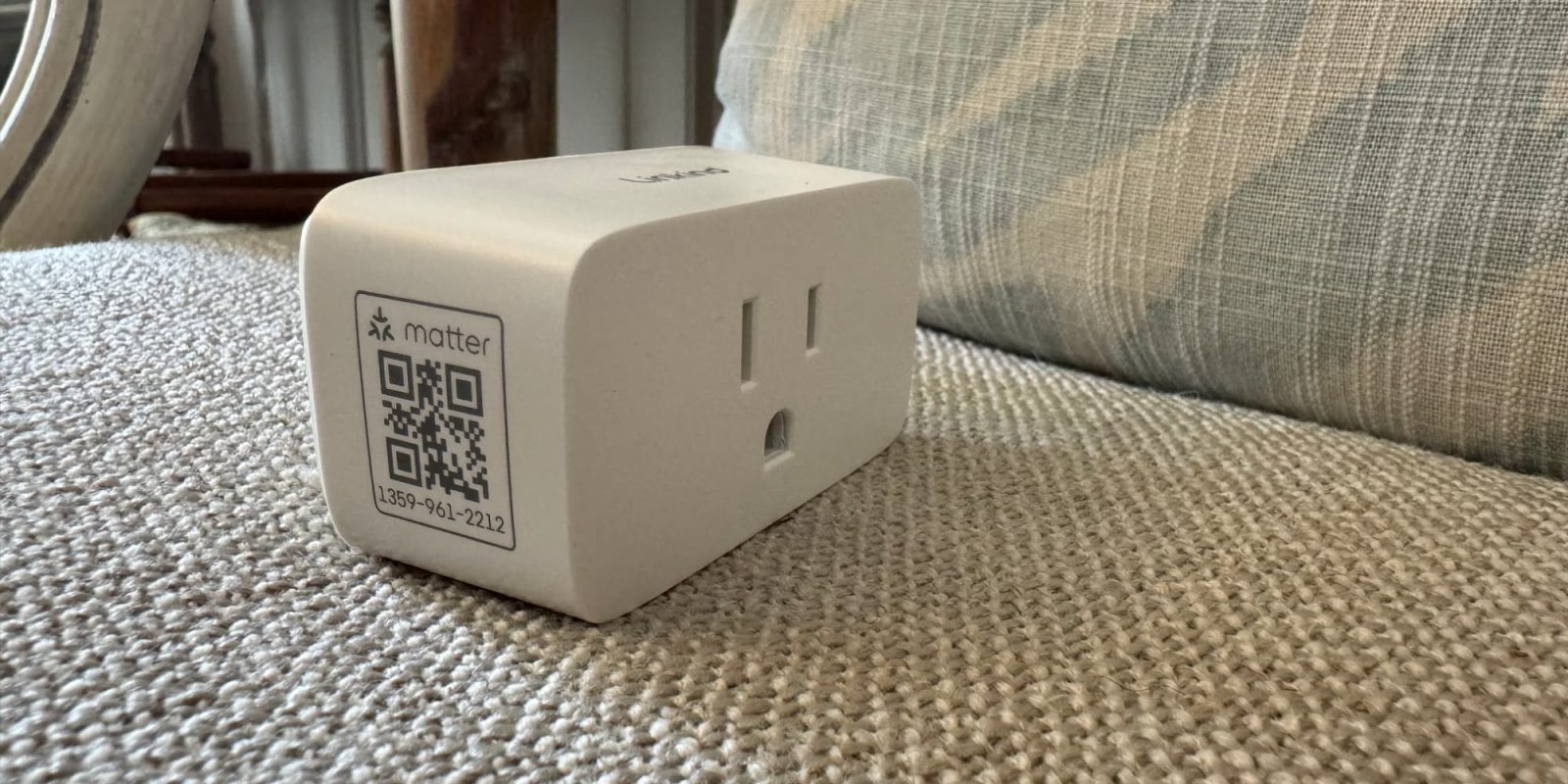
HomeKit smart plugs are one of the most useful smart home products you can buy. Everyone can find a use for them. They work with anything that has a 110-volt plug that auto turns on, and they’re really affordable. They’ve been around for years as well, so the hardware has become incredibly reliable as well. Linkind’s new Matter-enabled smart plug that comes in a 2-pack is an incredible value for those looking to automate multiple rooms in their home.
HomeKit Weekly is a series focused on smart home accessories, automation tips and tricks, and everything to do with Apple’s smart home framework.
Why is Matter a major selling point?
With Matter, you can bypass the hassle of downloading and registering apps from various manufacturers each time you purchase a new device. Simply go directly to trusted smart home platforms such as Apple Home, Alexa, Google Home, SmartThings, etc. If you end up switching to a different smart home platform in the future, you can easily migrate all of your devices.
Matter is still in its early days as a smart home protocol, but I truly believe that in 15 years, we’ll think about it like we do SMTP, IMAP, HTTP, etc. It’s a protocol that enables consumers to have choice and not be locked into an ecosystem.
Set up experience
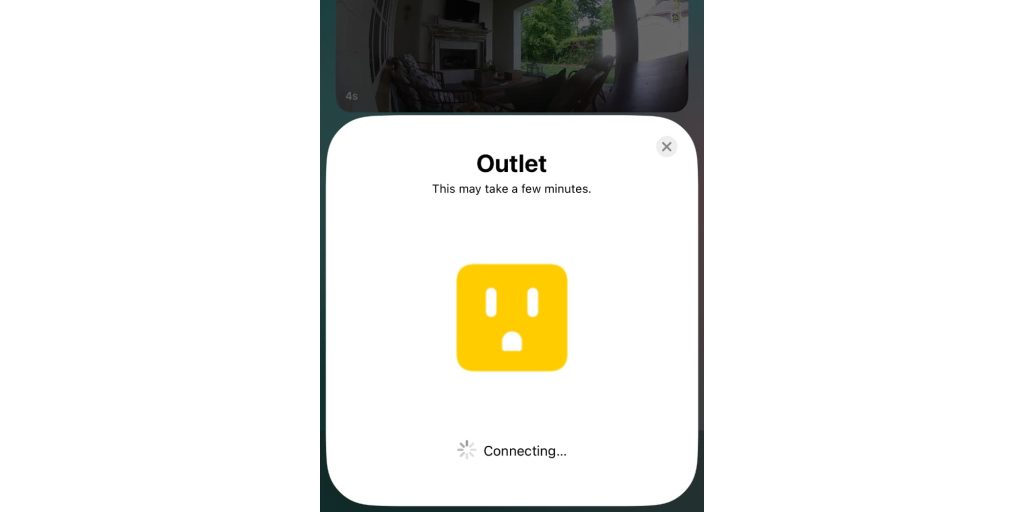
Linkind’s smart home plugs, true to their Matter claim, can be unboxed and added to HomeKit without downloading any single application. I went from unboxing to choosing a room in 3 minutes. The Matter QR Code is on the left side of the device, allowing you to scan it after you plug it up. For the life of me, I’ll never understand the vendors that put it on the backside, which makes it impossible to scan while it’s turned on. Even if they include a code sheet in the box, I still like to see it on the left or right side so it’s always visible.
Once you choose a room, you’ll choose if you want it to show up as a light, switch, or fan. Once that’s chosen, you’ll pick from a few preset automation.
Automations and Scenes
While the suggested automation isn’t terrible, it usually isn’t what I am after. Depending on how you’re using the item, it is going to indicate what kind of scenes and automation you’ll want to use. Let’s assume you’re using this with a lamp, an easy automation to create is one that turns the light on automatically at 6:00 PM when the sun is starting to go down.
To get started, you’d tap the + icon in the Apple Home app, choose Add Automation, Choose ‘A Time of Day Occurs’. Pick your time (you could even pick sunset), find your newly added accessory, set it to turn on, and then click Done.
If you want it to automatically go off at a certain time, you can either turn it off after a few hours or create a 2nd automation to automatically turn off when you’re going to bed. I wish Apple’s automation were more granular inside the ‘Turn On’ automation to flip it back off at a certain time versus having to create an entirely new automation, but hopefully, that’s something we’ll see in a future update.
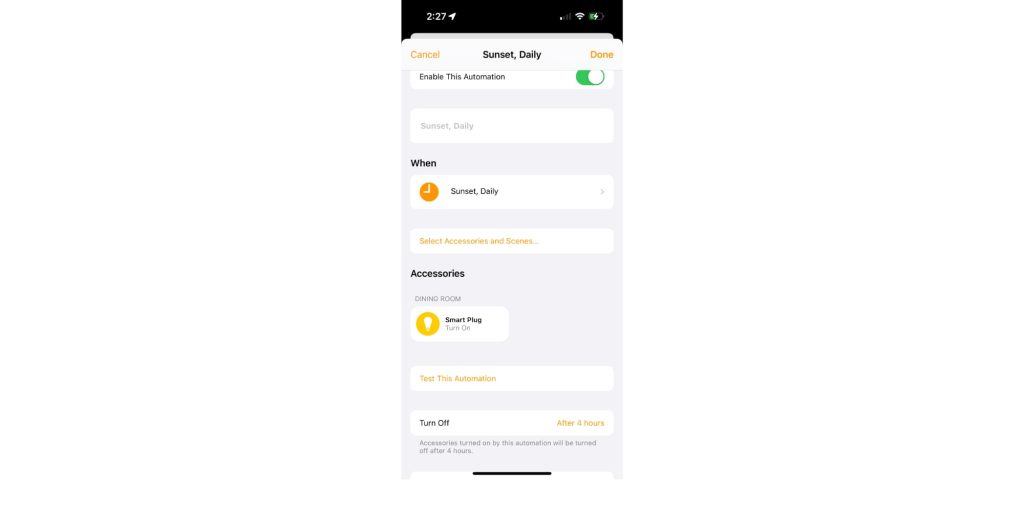
As it is shown in this picture, it’ll come on at sunset and turn back off four hours later. If this is a lamp in your living room, this should time it perfectly with when you’re likely going to bed.
Wrap up
Overall, it’s a standard Matter-enabled smart plug. Linkind has delivered exactly what you’d want in a smart plug: Matter and a low-cost two-pack. The only thing I’d love to see in a future version is support for 5 GHz Wi-Fi. As it is now, it only supports 2.4 GHz.
You can buy the Linkind 2-pack smart home plug with Matter and HomeKit support from Amazon.
FTC: We use income earning auto affiliate links. More.







