

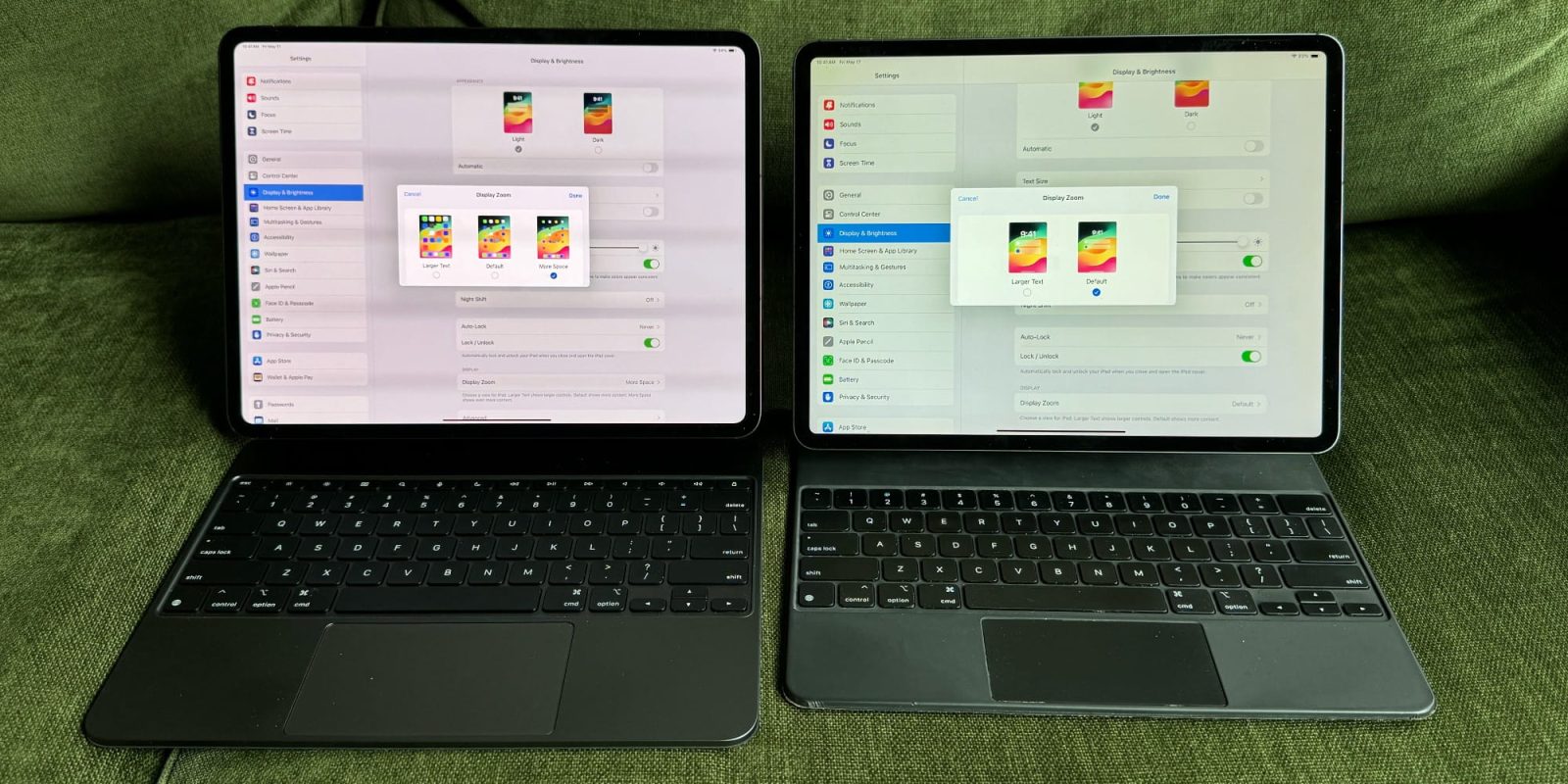
Unlike the Mac, there’s no 24-inch iPad screen size, or even a 15-inch model. Apple’s tablet tops out at 13 inches (for now), making every inch of screen real estate especially valuable.
But did you know that, with one simple setting tweak, you can adjust the size of content on your iPad to fit more things on screen?
How to get more out of your iPad’s display
Mac users not only have more, larger options for screen real estate, they also can adjust their display resolution no matter what device they’re using. Someone on a 13-inch MacBook Air can adjust the resolution to fit more or less content on screen.
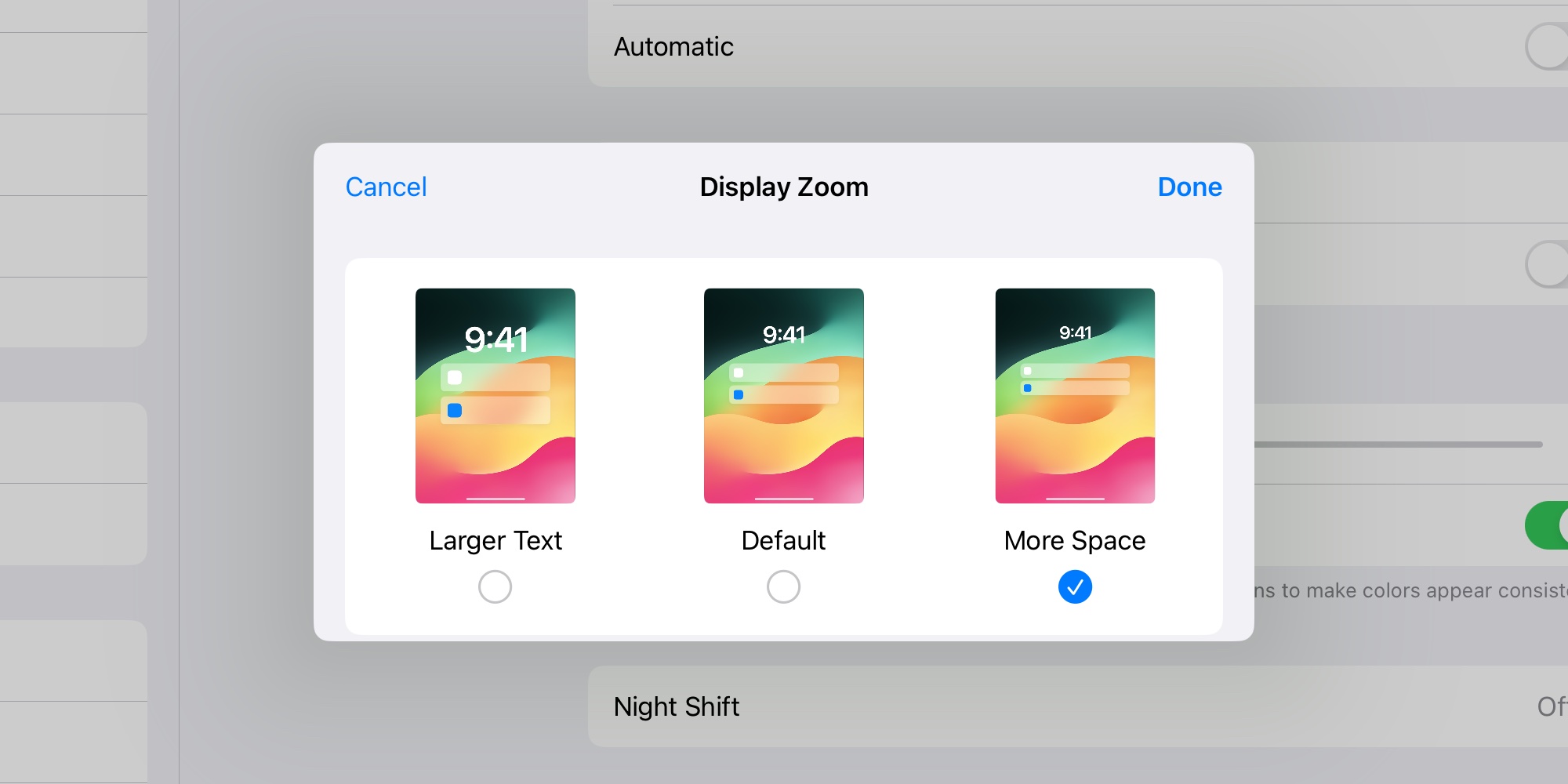
Unbeknownst to many iPad users, a similar feature is available in iPadOS—albeit in a more user-friendly, but limited form.
Here’s how you can find the feature:
- Go to Settings > Display & Brightness
- Tap Display Zoom, then select from three options:
- Larger Text
- Default
- More Space
The ‘More Space’ option is probably what you’re looking for, as it enables fitting way more content on the iPad’s display. But ‘Larger Text’ is a great alternative for anyone who wants to prioritize visibility over density.
With ‘More Space’ enabled, you’ll notice that text and images shrink, sidebar menus are more narrow, and overall you’ll be able to see a lot more things at once.
Supported iPad models
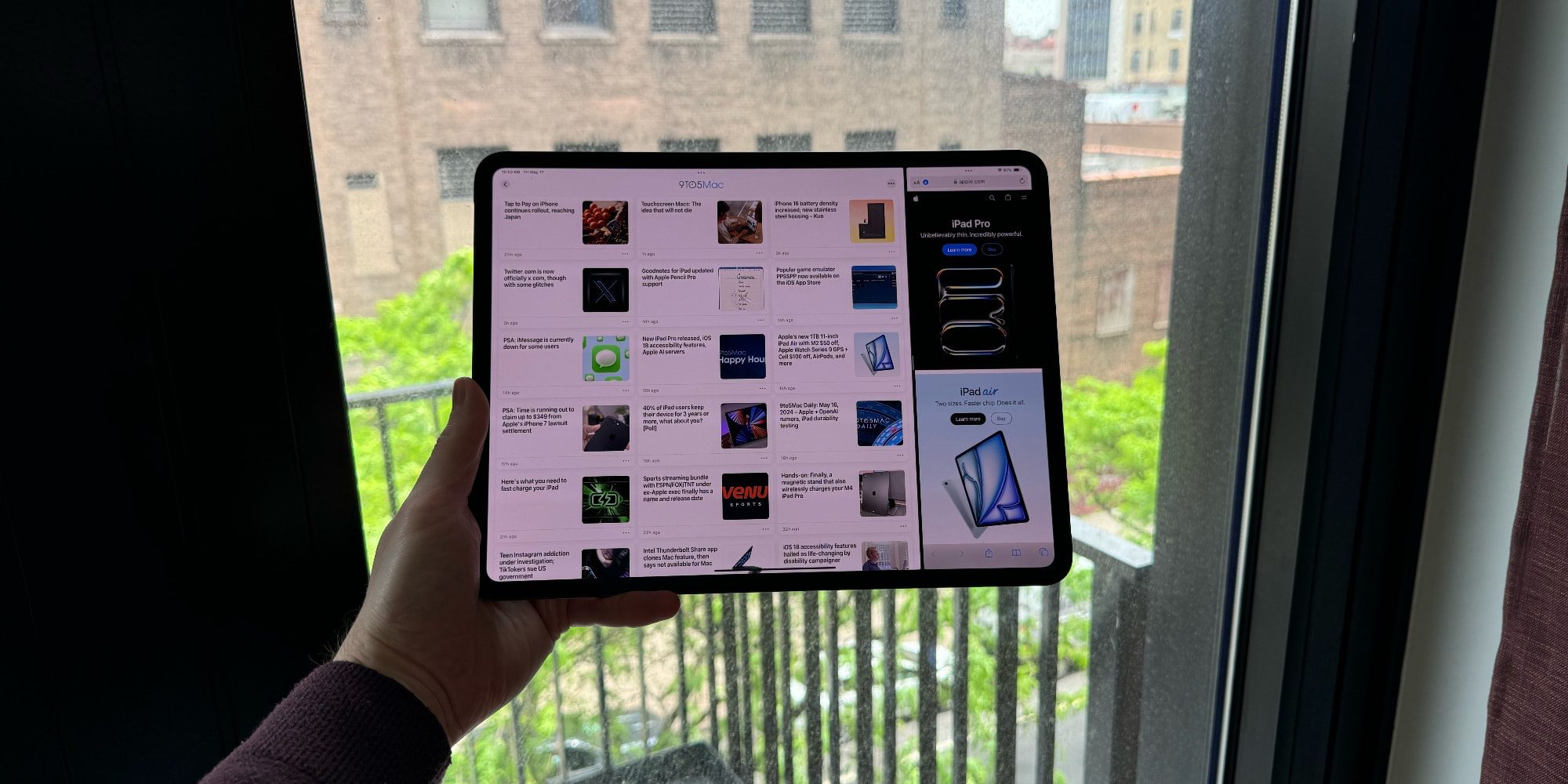
The only asterisk is that not all iPads support the feature. As a general guide, if your iPad has an M-class chip, you should be set. If not, support is pretty limited.
Here’s the full list of supported iPads:
- iPad Air (5th generation)
- iPad Pro 11-inch (all generations)
- iPad Pro 12.9-inch (5th generation and later)
- iPad Air 11-inch (M2)
- iPad Air 13-inch (M2)
- iPad Pro 11-inch (M4)
- iPad Pro 13-inch (M4)
Wrap-up
If you’re using an 11-inch iPad Pro or Air, turning on ‘More Space’ can be the difference between everything feeling cramped or just right. On the larger 13-inch models, it doesn’t feel quite as necessary, but it can still provide a valuable increase in screen real estate.
Have you adjusted your iPad display to fit more on screen? What do you think? Let us know in the comments.
FTC: We use income earning auto affiliate links. More.







