

1
In iOS 26, Apple has introduced enhanced message filtering that gives you more control over unwanted texts, separating spam messages from unknown senders into distinct categories. Here’s how to set up and use these new filtering options to keep your Messages app clutter-free.
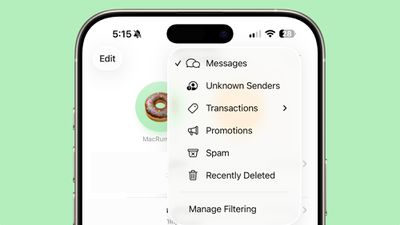
Enable Message Filtering Settings
Before you can filter messages from unknown senders in iOS 26, you need to enable the filtering options in your Messages settings.
- Open the Messages app on your iPhone.
- Tap the filter menu icon…







