

3
In iOS 26.2, there’s a new Liquid Glass slider that lets you customize the appearance of the clock. When you select the “Glass” option, you can use the new slider to make the time look almost entirely clear, or give it a more frosted, solid look.
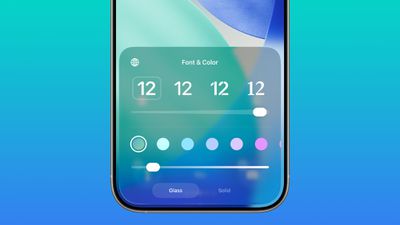
There continues to be a separate Solid toggle that turns off the Liquid Glass appearance for the clock entirely if you want to opt for a much more opaque design.
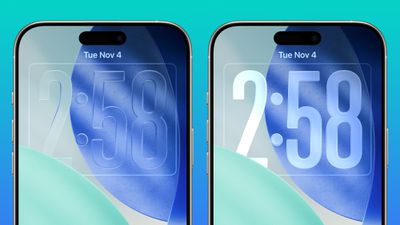
Apple has been adding Liquid Glass customization options, most recently introducing a “Tinted”…







