

3
With the fourth betas of iOS 26.1, iPadOS 26.1, and macOS 26.1, Apple has introduced a new setting that’s designed to allow users to customize the look of Liquid Glass.
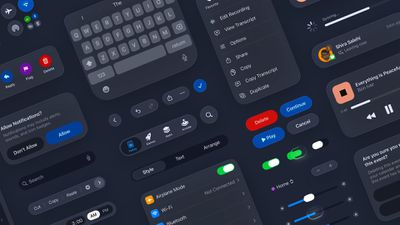
The toggle lets users select from a clear look for Liquid Glass, or a tinted look. Clear is the current Liquid Glass design, which is more transparent and shows the background underneath buttons, bars, and menus, while tinted increases the opacity of Liquid Glass and adds more contrast.
The new setting can be found on iOS and iPadOS by…







