

Currently, when you need to send an iPhone for repair to Apple or an authorized repair center, you first have to turn off Find My. That way, Apple knows that you own that iPhone and that it’s not a lost or stolen device. However, with iOS 17.5, users will no longer have to turn off Find My before sending an iPhone in for repairs thanks to a new “Repair State” mode.
iOS 17.5 adds new Repair State to Find My app
9to5Mac found evidence of this new Repair State mode in the codes of iOS 17.5 beta 4, which was released on Tuesday to developers. This new mode seems to be partially working for beta users and it changes the requirements for sending an iPhone in for repairs.
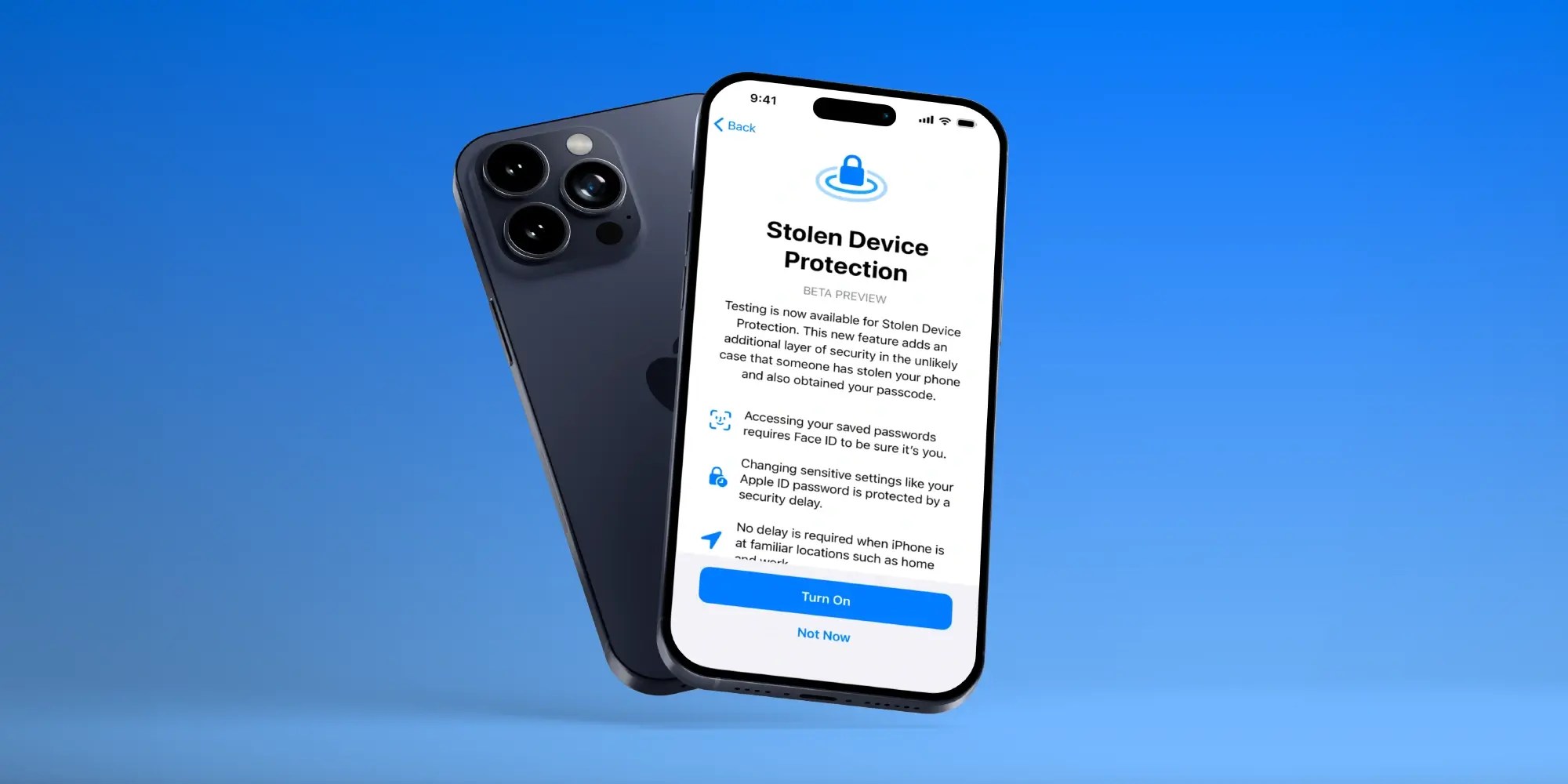
If you’re going to take your device to an Apple Store or repair service provider, Apple instructs you to turn off Find My by going to iOS Settings. However, this process has become a bit more complicated since the introduction of Stolen Device Protection with iOS 17.3. That’s because Stolen Device Protection adds a time delay to change sensitive settings – and that includes Find My.
Some customers weren’t aware of this, so they had to wait an hour at the Apple Store before they could disable Find My. But that’s changing with iOS 17.5.
The new “Repair State” mode added to the iOS 17.5 beta lets users confirm with their Apple ID and password that they’re about to send their iPhone in for a repair. As a result, Apple technicians can confirm that the person owns the iPhone and then proceed with the repair without the need to turn off Stolen Device Protection and Find My.
Don’t enable this mode for no reason
Beta users can now enable Repair State mode when trying to remove their iPhone via Find My app. “This iPhone is linked to your Apple ID and cannot be removed while it’s online, but you can still prepare it for repair,” a message reads. After that, you’ll see a badge in the Find My app indicating that the iPhone is “ready for repair” and that the device remains “fully functional.”
At least for now, there’s no clear way to remove the device from Repair State. This could be because Apple has yet to add the option to the beta or because only Apple technicians will be able to confirm that the repair has been successfully completed and then remove the device from this mode. Just in case, avoid enabling Repair State for now.

The new mode should definitely help users prepare their iPhone for repair, especially as some users were confused by the need to turn off Find My. By the way, Repair State is only available for iPhone, not iPad.
iOS 17.5 isn’t exactly a major update. It focuses on adding new anti-stalking features and some minor design tweaks throughout the system. The update is expected to be released to the public in May.
FTC: We use income earning auto affiliate links. More.







