

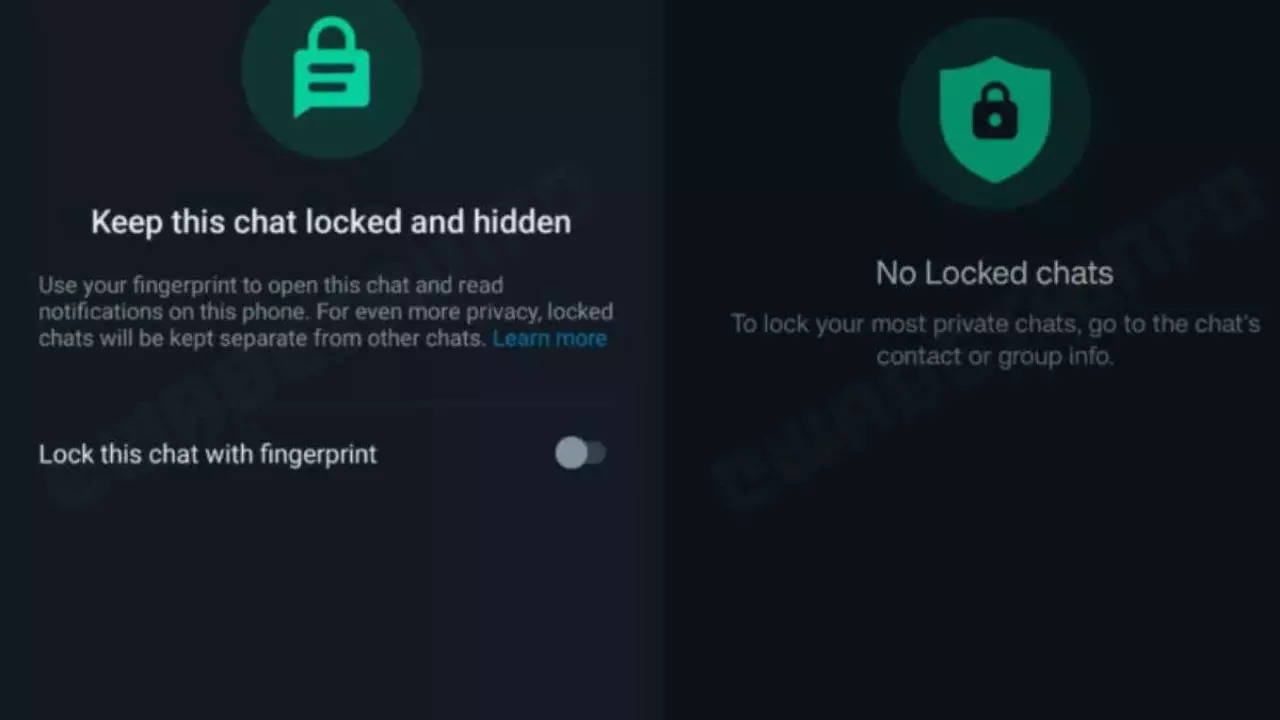
The Chat Lock feature in WhatsApp introduces an additional layer of security for your private conversations.This tool allows you to lock individual chats and store them in a designated folder, enhancing privacy. In the recent WhatsApp update, users can spot a new icon—a padlock—in the sidebar, indicating the availability of the Chat Lock feature. The web version incorporates a passkey system, mirroring the security measures implemented in the mobile app to safeguard chats.
Steps to use WhatsApp Chat Lock Feature on Web
- Ensure your WhatsApp is Up-to-Date
Before accessing any new features, it’s crucial to verify that you’re using the latest WhatsApp version. Check for updates on the official WhatsApp website or your respective app store and download the most recent version.
Launch your preferred web browser and visit the official WhatsApp Web page (web.whatsapp.com). Scan the QR code using your WhatsApp mobile app to link your phone to the web version seamlessly.
Once your phone is successfully linked to the web version, locate the Chat Lock feature within the settings menu, usually found under privacy or security settings.
- Establish a Passcode or Biometric Lock
WhatsApp offers various options to secure your chats on the web, such as setting a passcode or utilizing biometric authentication (fingerprint or face recognition). Choose the option that aligns with your preference and device capabilities.
- Adjust Timeout Preferences
Certain Chat Lock features enable you to set a timeout duration, automatically locking the app after a specified period. This feature balances security and convenience. Customize the timeout settings according to your needs.
After configuring Chat Lock settings, conduct a test to ensure its functionality. Close the WhatsApp Web session and reopen it to confirm that Chat Lock activates as intended.
Should you encounter any difficulties or have inquiries about Chat Lock, consult WhatsApp’s support documentation or community forums for guidance. Regular updates and bug fixes are common, so staying informed about changes is advisable.
- Preserving Privacy with Chat Lock
WhatsApp’s steadfast dedication to user privacy and security is evident in the continual rollout of new features. The Chat Lock feature on the web version adds an additional safeguard to your conversations, ensuring message privacy even when accessed through the web interface.







