

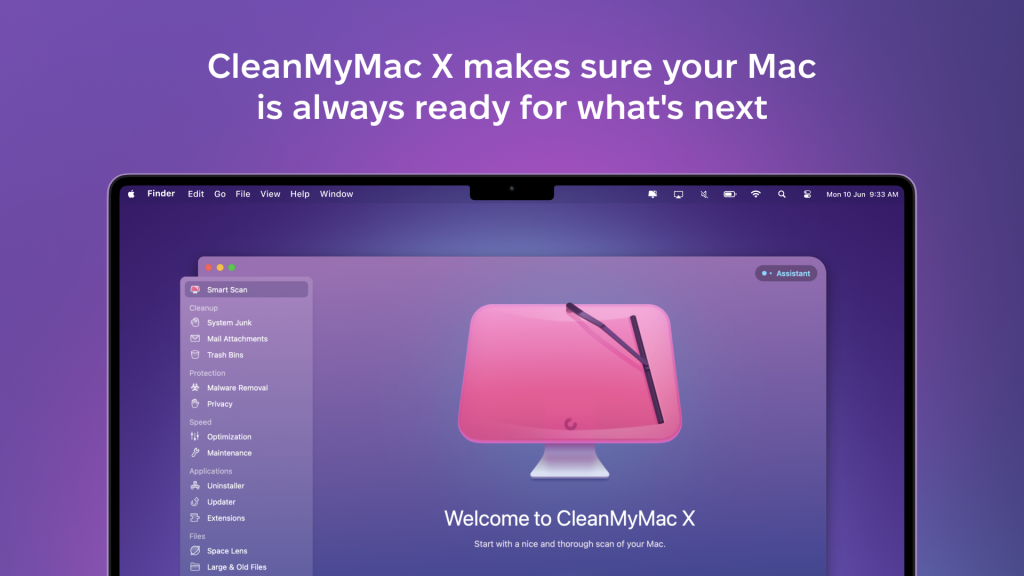
Apple’s new macOS Sequoia officially lands in the fall, so CleanMyMac X gave us great advice for the best way to prepare your Mac for the new release while taking advantage of an exclusive deal for 9to5Mac readers.
Will your Mac support macOS Sequoia?
It’s always a good idea to start by checking the compatibility of your hardware with Apple’s new software. The following devices are compatible, and you can also find the list on the official website:
- iMac 2019 and later
- iMac Pro 2017 and later
- Mac Studio 2022 and later
- MacBook Air 2020 and later
- Mac mini 2018 and later
- MacBook Pro 2018 and later
- Mac Pro 2019 and later
Can I install the beta versions before the fall?
Developers do have the opportunity to install it. However, Pavlo Haidamak, project manager at CleanMyMac by MacPaw, advises:
If possible, I don’t recommend doing this on personal Macs. Beta (dev) versions of macOS may contain critical bugs that can affect performance and potentially harm data on the system. Therefore, until the public release, the new macOS should mainly be used for development and testing on a separate device.
Charge your battery
The update is going to take a lot of time and consume a lot of energy. Make sure your Mac is plugged into a power source and has decent charge on it before you start the update. Also ensure your wifi signal is strong and steady.
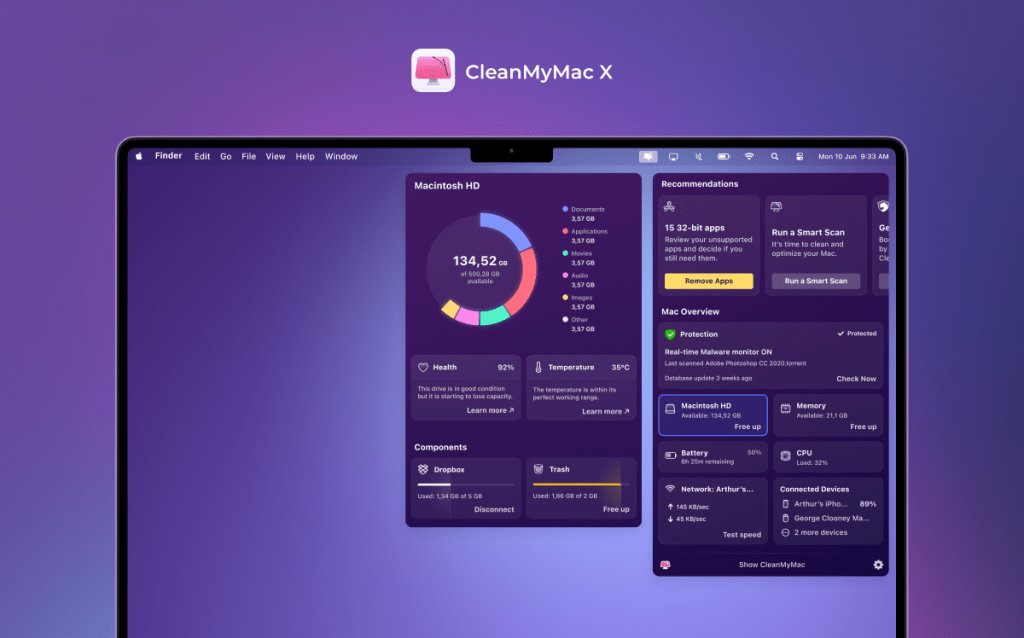
CleanMyMac X’s recently updated Menu has a great battery status monitor that tells you the exact percentage of charge, your battery’s overall health, and how much time it’d take to charge fully:
Clean up your Mac
Now it’s time to spring clean before you upgrade to macOS Sequoia – and to be honest, this is something that should be performed regularly to keep your Mac fighting fit. You can ensure your machine is healthy with CleanMyMac X.
Pavlo Haidamak points out that installing a new OS requires a lot of resources, so it’s important to get rid of excess clutter and processes. He explains:
Usually, the update requires 20 to 40 GB of free space because the system updates many files and processes.
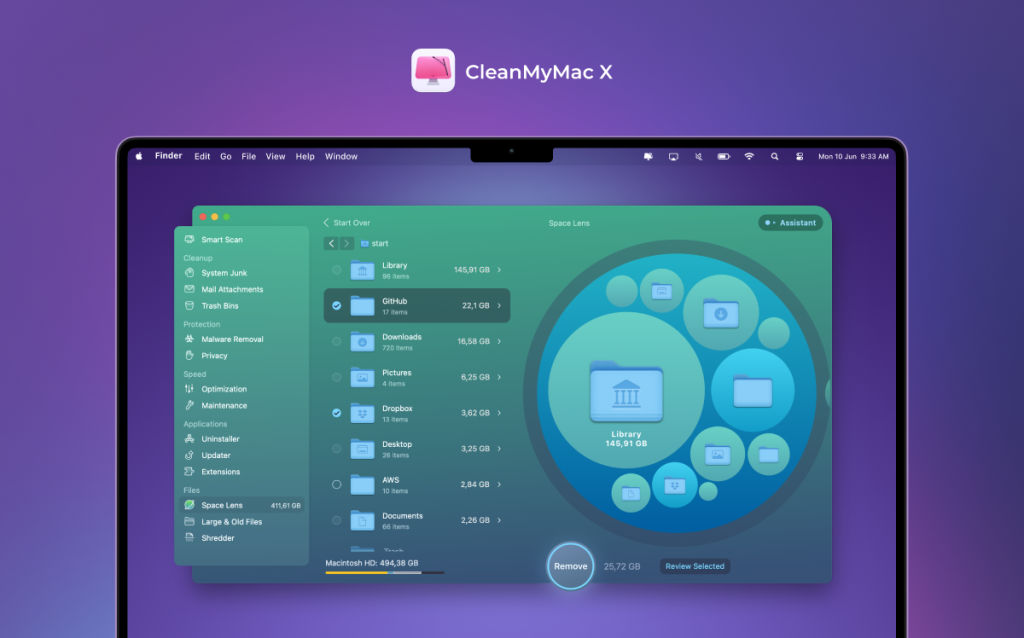
Also, if your storage is full, free up space using CleanMyMac X tools like the Large and Old Files module or the Storage Monitor in the Menu app. The Menu app is free for all macOS users, so everyone can use it.
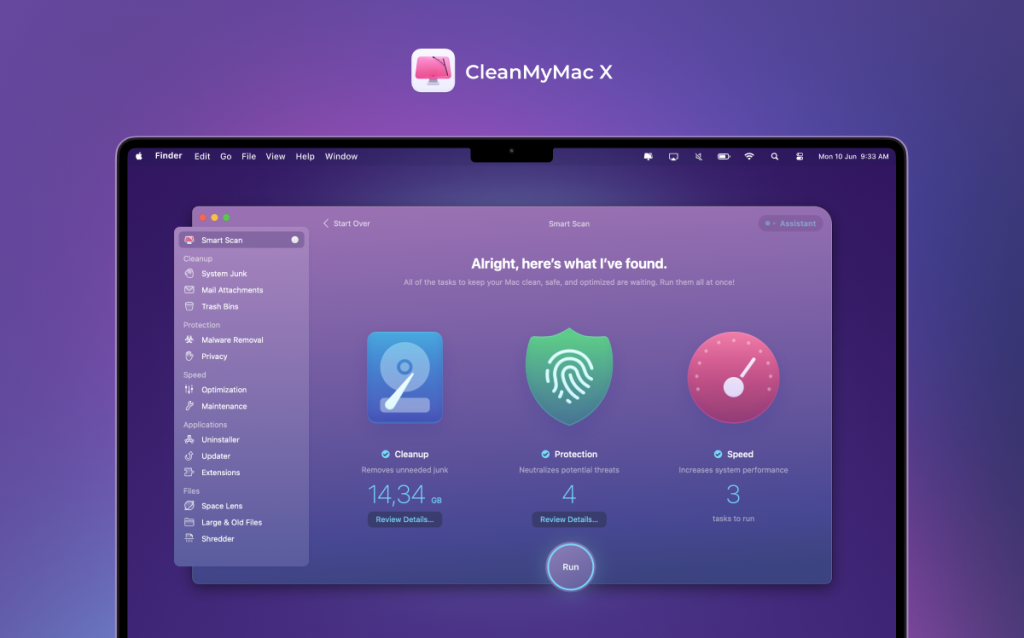
CleanMyMac X also enables you to get rid of a lot of junk files in a jiffy. On the left-hand side, click on System Junk under Cleanup. Wipe off such junk as caches, language files, and more. That frees up a lot of space.
Back up your Mac
Use reliable password managers and ensure your data is backed up before proceeding with the update.
macOS includes built-in utility Time Machine for backing up your Mac to any hard drive or network attached storage. Time Machine backs up files on your Mac that weren’t part of the macOS installation, such as apps, music, photos, and documents. Apple tells you how to do that using Time Machine here.
After you update to macOS Sequoia
Pavlo Haidamak advises that we should check all applications for updates. He explains:
The new version of macOS may contain new features for applications. Therefore, the apps we’re used to might have cool updates utilizing these new features. It’s also a good idea from a security standpoint.
You can check for updates from the app itself or in the App Store, but the CleanMyMac X Applications Updates feature makes this process a lot easier and faster.
If you encounter any problems after the update, be sure to report them to the app developers and Apple.
Special 9to5Mac reader discount for CleanMyMac X
9to5Mac readers get a special 5% discount on a one-year subscription to CleanMyMac X ($33.20, reg. $39.95) in anticipation of all the exciting features macOS Sequoia has in store for us. Just click here.
FTC: We use income earning auto affiliate links. More.







