As reported back in June, iOS 18 and tvOS 18 add an option that finally lets users choose an Apple TV or HomePod as their preferred Home Hub to control HomeKit and Matter accessories remotely. These updates are now available to the public, but choosing a preferred Home Hub can be a bit tricky.
Choosing a specific Home Hub in iOS 18
The Home app already had an option to use an Apple TV or HomePod as a Home Hub. However, the system would choose a random device to act as a hub, which frustrated users. That’s because the Home app would sometimes choose an older device with a slower wireless connection over a newer model, or an Apple TV connected to the wired network.
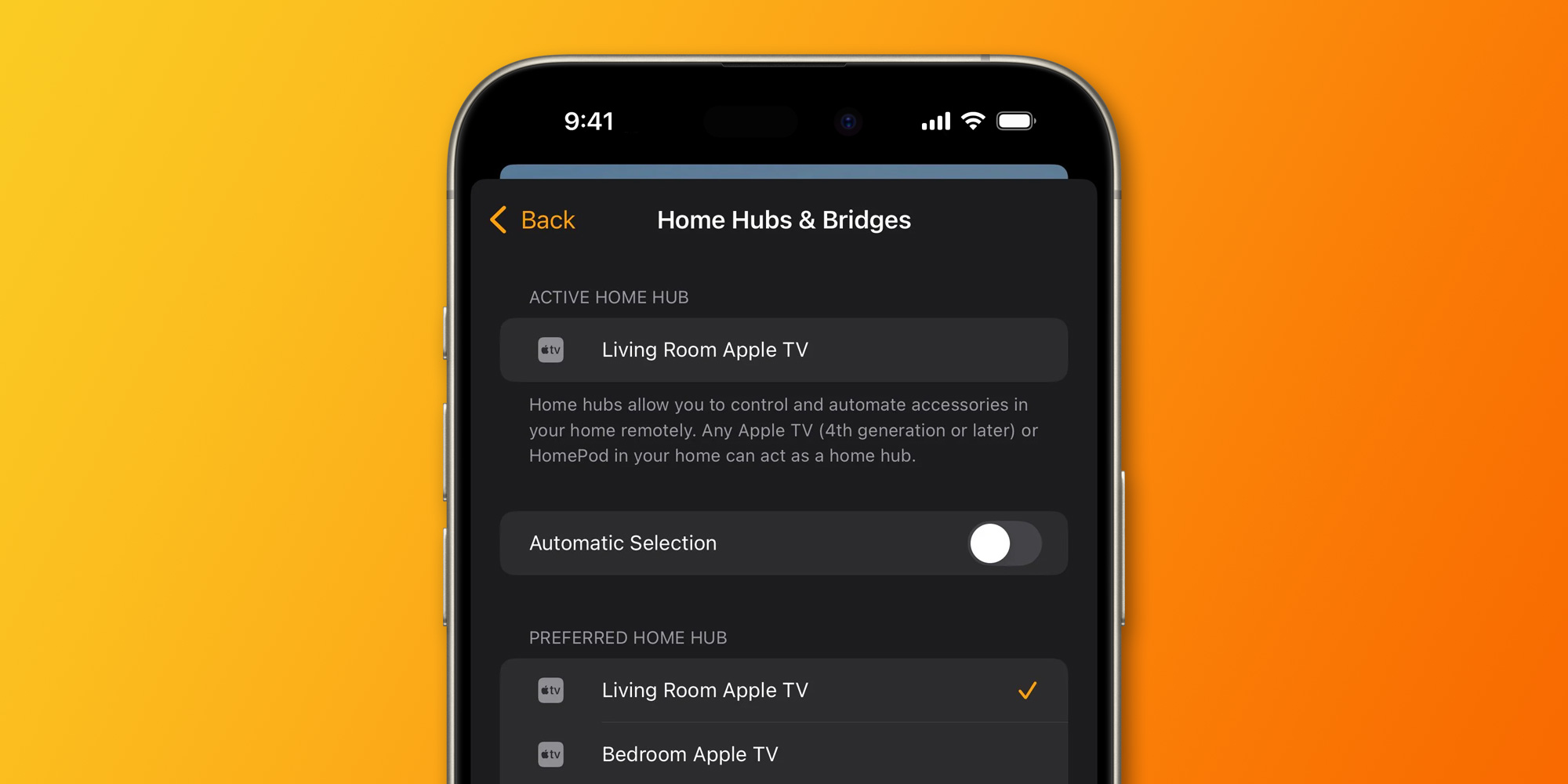
iOS 18 and tvOS 18 solve this problem by adding a new toggle in the Home app to turn off the automatic Home Hub selection. When you turn it off, you can choose a specific HomePod or Apple TV to act as a hub. In theory, the feature should appear to users after they’ve updated all their devices to the latest software.
However, many users have been reporting inconsistencies or bugs when it comes to the new option. In a post on Reddit, some users say they still don’t have the option to set a specific hub. Others say the solution was to reboot all Apple TVs and HomePods connected to their account.
“I definitely don’t have that option even after upgrading everything,” said one user. “Reboot all of the HomePod mini’s and the Apple TV. I was finally able to choose the hub I wanted as default,” another person replied.
Users should be able to set a specific hub by opening the Home app in iOS 18, then tapping the three dots button and choosing Home Settings. Then enter the Home Hubs & Bridges menu.
In addition to this feature, the Home app in iOS 18 will also get support for vacuuming robots – although the feature will be added later this year with a future software update, according to Apple.
Were you able to set a specific hub in the Home app with iOS 18? Let us know in the comments section below.
Read also
FTC: We use income earning auto affiliate links. More.