

3
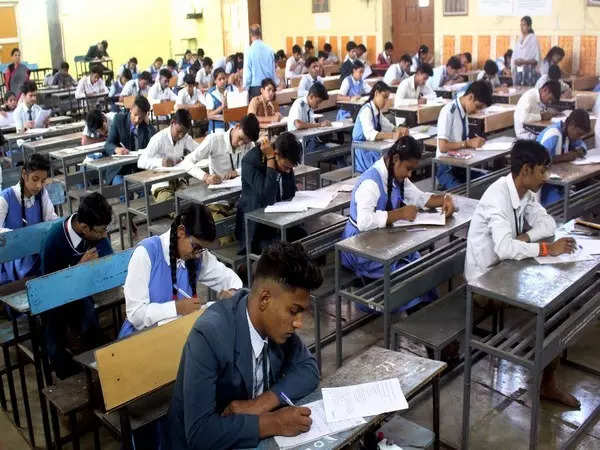
As the Class X and XII board exams approach, preparation becomes paramount. One effective strategy to enhance your study plan is to access and practice with the previous year’s question papers. These papers provide valuable insights into the exam pattern, marking scheme, and types of questions asked.
This not only helps students prepare better but also offers them more options and target practice to complete the entire question paper within the stipulated time.
Here’s a step-by-step guide on how to download the previous year’s question papers for Class X and XII board exams:
Steps to download the previous years’ question paper for CBSE board exams
Visit the CBSE Academic website
Navigate to the official CBSE Academic website by entering the URL https://cbseacademic.nic.in/ into your web browser.
Select “Sample Question Paper” tab
On the website’s homepage, locate and click on the “Sample Question Paper” tab, typically found in the top menu. This tab will lead you to a section specifically dedicated to sample question papers.
Choose the year
Within the “Sample Question Paper” section, look for options to choose the academic year for which you need question papers. Select the specific year from the available options.
Select the Class (X or XII)
Once you’ve chosen the year, proceed to specify the class for which you want to download question papers. You can select either Class X or Class XII based on your academic level.
View subjects for the chosen class
After selecting the class, you will be directed to a new page displaying a list of subjects available for that class. This page serves as a comprehensive directory of all subjects relevant to the chosen academic level.
Download question papers
Each subject listed will have a corresponding download button in front of it. Click on the download button associated with the subject for which you wish to acquire the question papers. The papers will typically be available in PDF format for easy accessibility.
Do note that the question papers are downloaded in PDF format. So, you’ll need a PDF reader like Adobe, Chrome, Edge, etc to open the file
This not only helps students prepare better but also offers them more options and target practice to complete the entire question paper within the stipulated time.
Here’s a step-by-step guide on how to download the previous year’s question papers for Class X and XII board exams:
Steps to download the previous years’ question paper for CBSE board exams
Visit the CBSE Academic website
Navigate to the official CBSE Academic website by entering the URL https://cbseacademic.nic.in/ into your web browser.
Select “Sample Question Paper” tab
On the website’s homepage, locate and click on the “Sample Question Paper” tab, typically found in the top menu. This tab will lead you to a section specifically dedicated to sample question papers.
Choose the year
Within the “Sample Question Paper” section, look for options to choose the academic year for which you need question papers. Select the specific year from the available options.
Select the Class (X or XII)
Once you’ve chosen the year, proceed to specify the class for which you want to download question papers. You can select either Class X or Class XII based on your academic level.
View subjects for the chosen class
After selecting the class, you will be directed to a new page displaying a list of subjects available for that class. This page serves as a comprehensive directory of all subjects relevant to the chosen academic level.
Download question papers
Each subject listed will have a corresponding download button in front of it. Click on the download button associated with the subject for which you wish to acquire the question papers. The papers will typically be available in PDF format for easy accessibility.
Do note that the question papers are downloaded in PDF format. So, you’ll need a PDF reader like Adobe, Chrome, Edge, etc to open the file







