

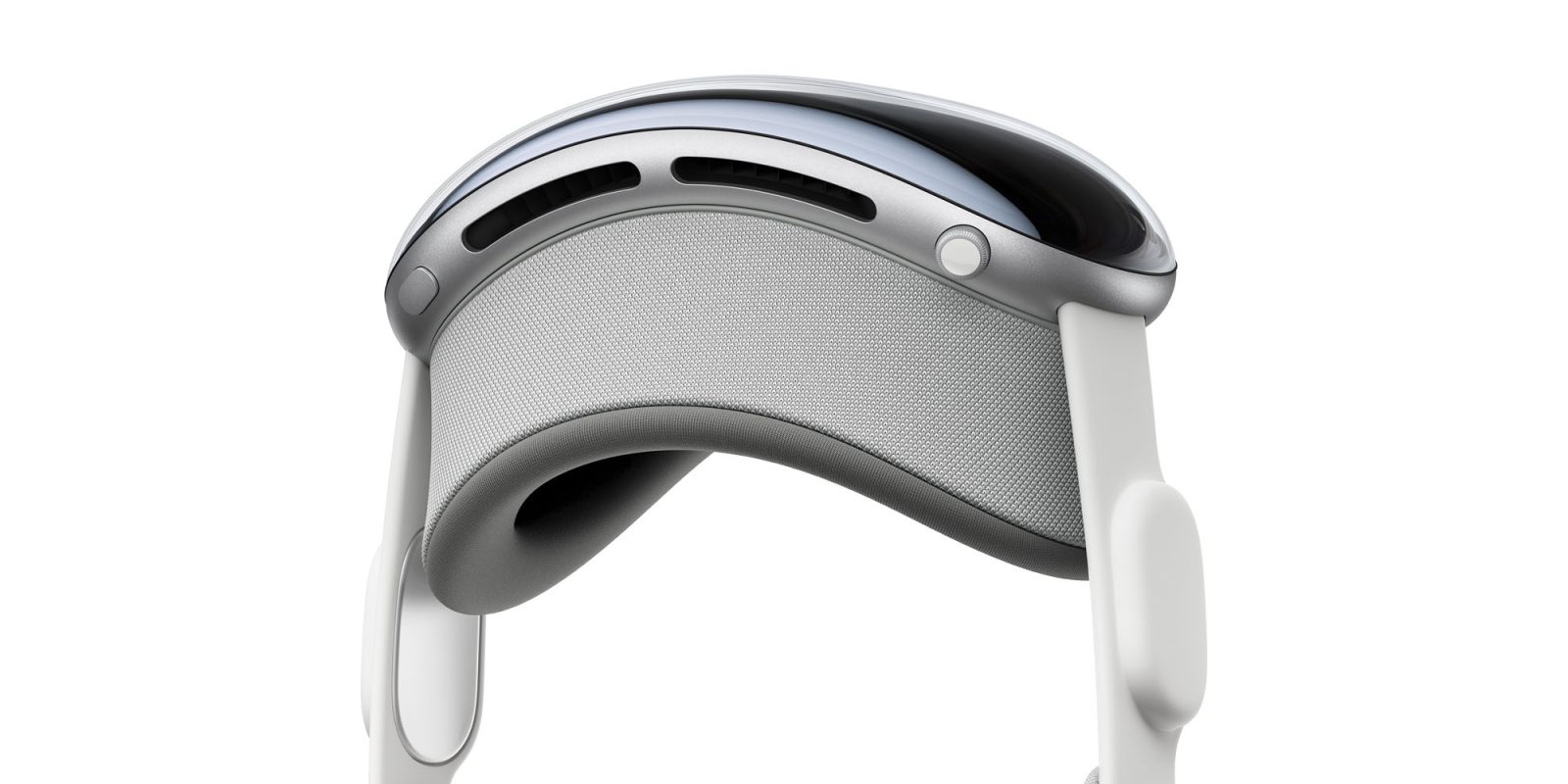
Apple Vision Pro is the third Apple product to use a Digital Crown. Apple Watch originally introduced the dial input method before AirPods Max adapted it as a volume knob. Now the Digital Crown is taking on its third life as one of two physical controls on Apple Vision Pro. Here’s everything you can do with the Digital Crown and top button on Apple Vision Pro.
What you can do with Digital Crown on Apple Vision Pro
Open Home View
Press the Digital Crown.
Recenter your content in your view
Press and hold the Digital Crown.
Adjust Immersion or volume
Turn the Digital Crown. You may also need to look at either a mountain icon or a volume icon while turning the Digital Crown.
Switch between your surroundings and digital content
Double-click the Digital Crown to switch to a view of your surroundings. To return to your experience, press the Digital Crown once.
Use the Accessibility Shortcut
Triple-click the Digital Crown.
How to use top button on Apple Vision Pro
Turn on
Press and hold the top button until the Apple logo appears on the front display (the power cable light also comes on).
Open Capture
Press the top button.
When to use both buttons
Capture a screenshot of your view
Simultaneously press and release the top button and Digital Crown.
Force quit an app
Simultaneously press and hold the top button and Digital Crown until you see Force Quit Applications, tap the name of the app you want to close, then tap Force Quit.
Turn off
Simultaneously press and hold the top button and Digital Crown until the sliders appear (Force Quit Applications will appear first), then drag the top slider to power off. Or go to Settings > General > Shut Down.
Force restart
Simultaneously press and hold the top button and Digital Crown until Apple Vision Pro powers off (Force Quit Applications and the power slider will appear first).
How it compares to other uses
Here are many of the ways Apple’s Digital Crown input has been used between different devices:
Apple Watch (2015)
- Click to go to app launcher, close apps, back to watch face
- Double Click for multitasking
- Press and hold for Siri
- Spin to scroll, zoom in/out, adjust volume
AirPods Max (2020)
- Click to play/pause
- Double click to skip ahead
- Triple click to seek back
- Press and hold for Siri
- Spin to adjust volume
Apple Vision Pro (2024)
- Click to open app launcher
- Double click to switch between content and your surroundings
- Press and hold to recenter view
- Spin to adjust immersion or volume
In other words, Apple’s Digital Crown takes the crown for the most underrated input method invention. 👑
FTC: We use income earning auto affiliate links. More.







