

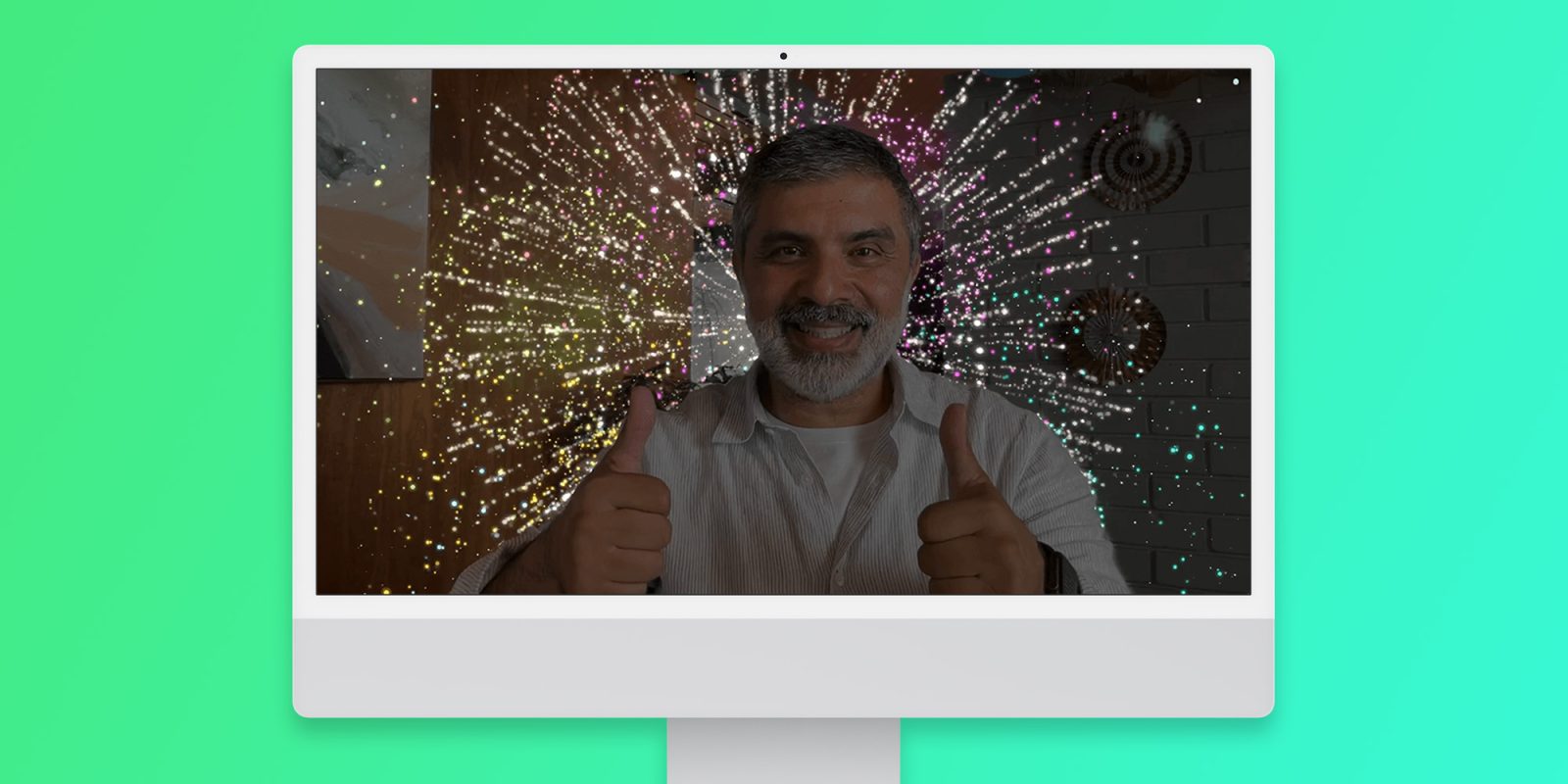
With iOS 17 and macOS Sonoma, Apple has introduced new camera gestures that show 3D reactions such as a thumbs up, balloons, and even fireworks. However, as these reactions are enabled by default, they have embarrassed many users in some situations – but Apple may end up turning these effects off by default.
Apple changing how camera reactions work
With the release of iOS 17.4 beta 3 and macOS Sonoma 14.4 beta 3 to developers, 9to5Mac has found new strings that suggest camera reactions will be turned off by default for new users. The system will instead show a message telling the user to turn on reactions in the Control Center if they wish.
“Turn On Reactions. Use hand gestures to send reactions during a video call. To turn on Reactions, open Control Center, tap Video Effects, then tap Reactions,” the new message reads.
It’s still unclear at this point whether Apple also plans to disable camera reactions by default for everyone who updates to iOS 17.4 and macOS Sonoma 14.4. Given that the feature is considered controversial by many users, this sounds extremely likely.
A report last year pointed out that users have been facing embarrassing situations because of the new camera reactions. Some people have been triggering the reactions by mistake during therapy sessions and business meetings. It’s worth noting that the camera reactions work not only with FaceTime, but also with third-party apps that have access to the camera.
Apple may have listened to feedback and is therefore changing the behavior of this feature with iOS 17.4 and macOS 14.4, which are expected to be released to the public by March. For now, both updates are available for beta testers.
Here’s how to turn off reactions in video calls right now
If you don’t want to be surprised by one of these reactions, here’s how to disable them in iOS 17 and iPadOS 17:
- Start a video call (or open the FaceTime app)
- Swipe from the top right corner of the screen to access Control Center
- If you have an iPhone SE, swipe up from the bottom of the screen
- Tap Video Effects
- Turn off the Reactions option
And here’s how to disable reactions in macOS Sonoma:
- Start a video call (or open the FaceTime app)
- Click on the Video/FaceTime icon in the macOS Menu Bar
- Turn off the Reactions option
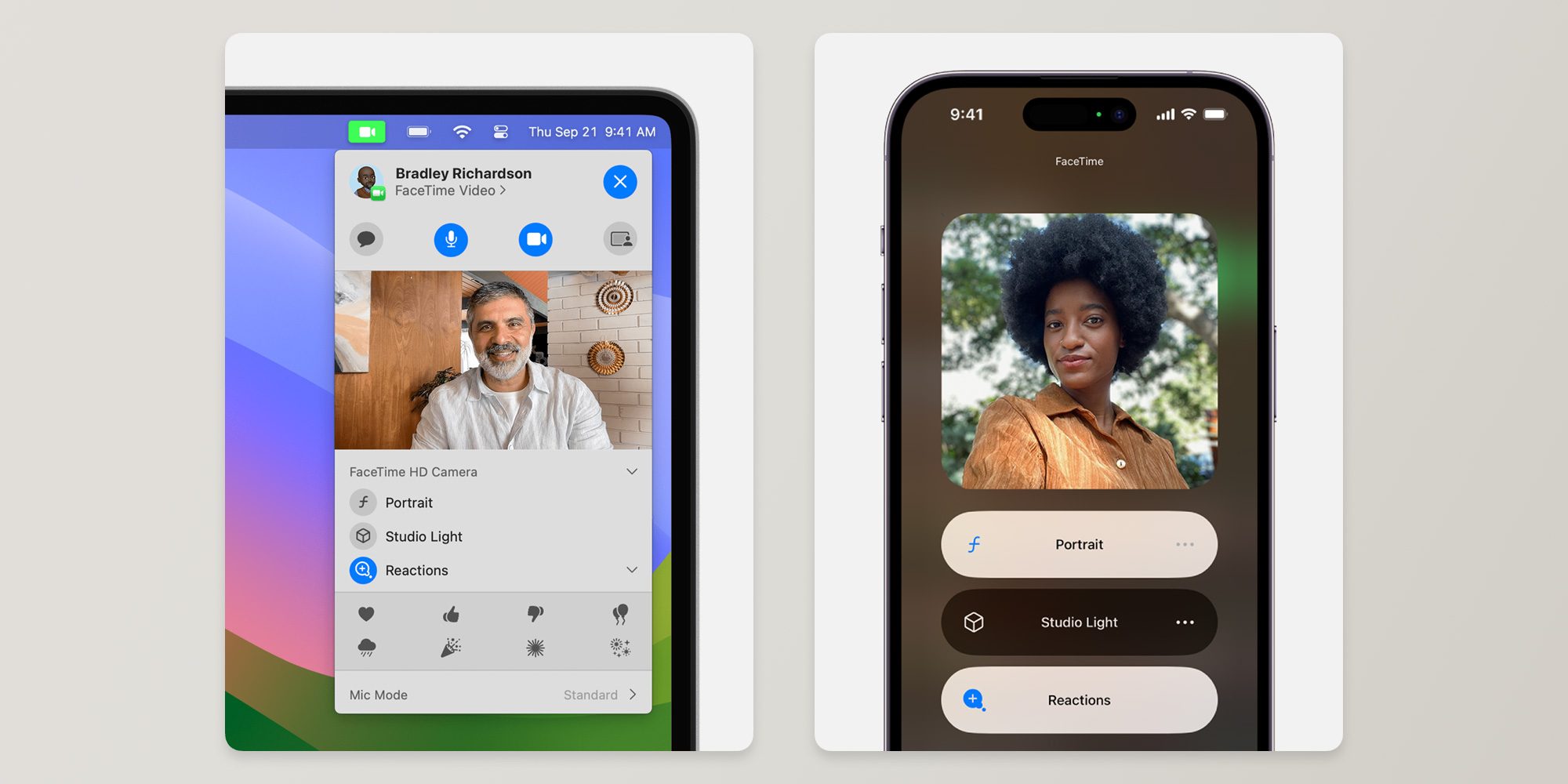
This will keep the reactions turned off until you turn them on again by following the same steps. It’s worth noting that reactions are also available on FaceTime for Apple TV with tvOS 17.
Read also
FTC: We use income earning auto affiliate links. More.







